
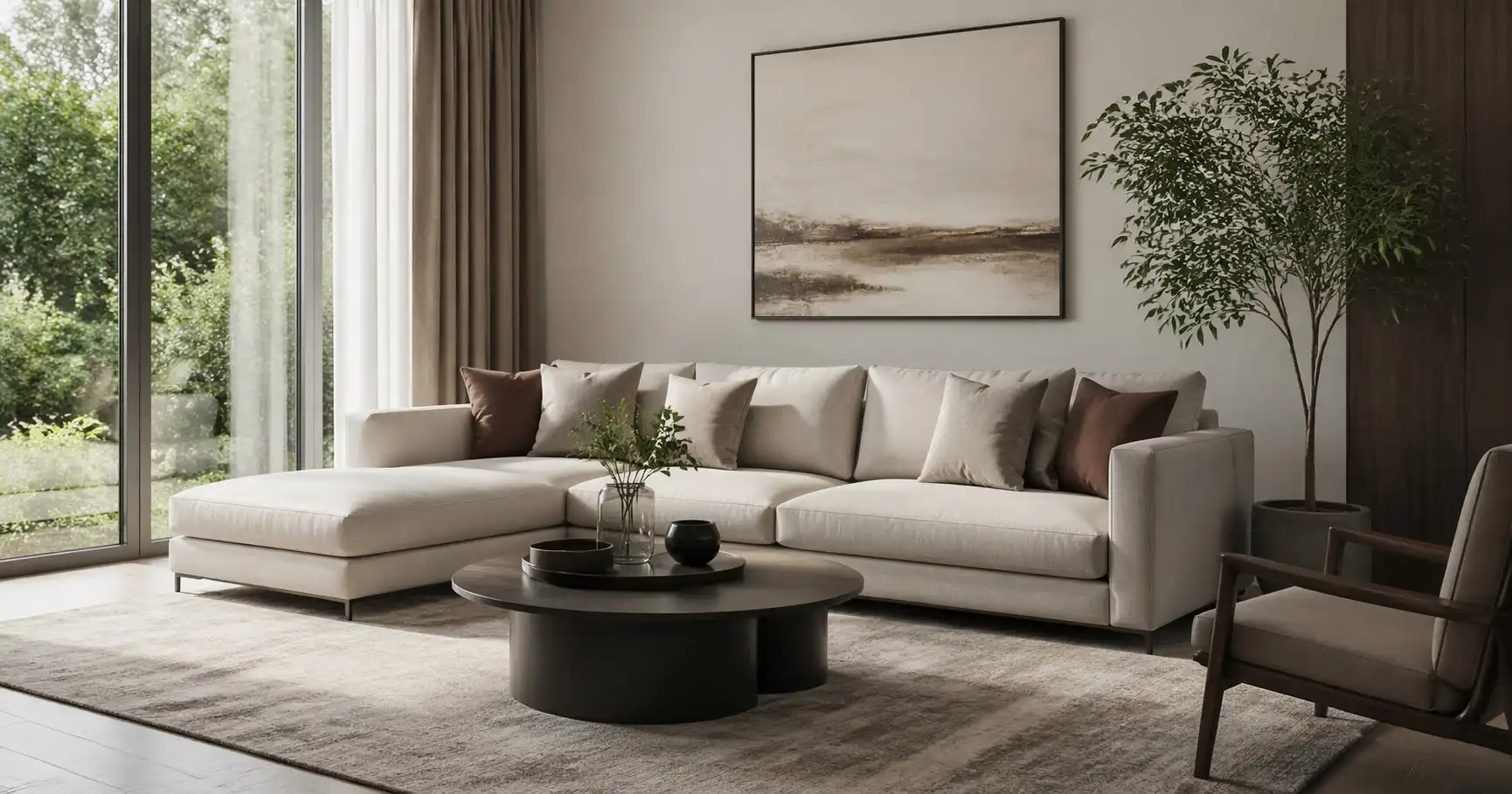
Creating a realistic interior visualization relies heavily on the quality of the 3D models you use. Whether you are an architect, interior designer, or CG artist, the right models save hours of modeling time and elevate the final render. This article covers what to look for when choosing interior design 3D models, the most important asset categories, and practical tips for integrating them into your workflow.
Why Model Quality Matters
A low-quality model can ruin an otherwise well-composed scene. Bad topology causes artifacts, stretched UVs break textures, and unrealistic proportions break immersion. High-quality interior 3D models should have clean edge flow, respect real-world dimensions, and include well-mapped texture coordinates. Before downloading any asset, check preview images and technical specs such as polygon count and available file formats.
Essential Categories of Interior 3D Models
Furniture Models
Furniture is the backbone of most interior scenes. Chairs, sofas, tables, beds, and storage units define the style and function of a room. For realistic rendering, look for models with detailed cushions, realistic fabric wrinkles, and accurate wood grain textures. Many libraries offer both contemporary and classic designs. When available, choose models that come with multiple material options (leather, fabric, wood, metal) to adapt to your project.
Lighting Fixtures
Lighting models are critical because they are visible in the render and also affect illumination. Pendant lights, floor lamps, ceiling fixtures, and sconces should include emissive materials or support for light-emitting geometry. Some high-end models even include detailed bulb filaments and socket interiors, which become visible in close-up shots.
Architectural Elements
Walls, floors, doors, windows, columns, and moldings form the structural shell. While some designers model these from scratch, high-quality architectural 3D models can speed up the process, especially for complex architectural details like staircases, balustrades, and decorative ceilings. These models often come with tileable textures, making them versatile for various projects.
Decor and Accessories
Small objects like vases, books, cushions, curtains, and tableware add life to a scene. A well-populated bookshelf or a neatly arranged coffee table makes the space feel lived-in. Decor models should have moderate polygon counts to avoid bloating the scene, yet enough detail to be convincing up close.
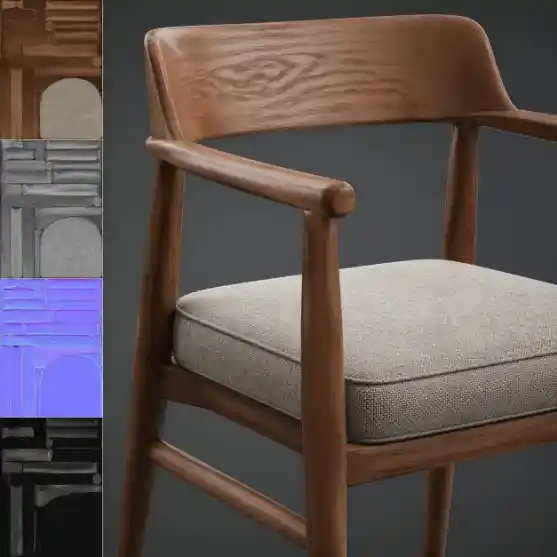
A high-poly furniture model with realistic materials and clean topology.
Alt text: Detailed 3D model of a wooden chair with fabric cushion
Selection Criteria for Interior Design 3D Models
When browsing for 3D models for interior design, keep these factors in mind:
Polygon efficiency: Models should be detailed enough for close-ups but optimized for the view distance. Avoid assets with millions of polygons if they will be used in the background.
Clean topology: Quad-based topology is preferred for further editing, especially if you want to apply subdivision modifiers or deform the model. Avoid models with hidden geometry or internal faces.
Texture resolution and maps: Look for models that include diffuse, roughness, normal, and displacement maps. High-resolution textures (2K to 4K) are essential for realism, but ensure your hardware can handle them.
File format compatibility: Most interior design workflows use 3ds Max, Blender, Cinema 4D, or SketchUp. Check that the model is available in the format you need (e.g., .max, .fbx, .obj, .blend). Some platforms also provide native materials (like V-Ray or Corona).
Scale and units: The model should be built to real-world scale, typically in millimeters or centimeters. A correctly scaled chair saves you from resizing and reattaching in your scene.
Workflow Tips for Using Interior 3D Models
Integrating pre-made assets into your scene is straightforward, but a few best practices ensure smooth results:
1. Set up a library system: Keep your downloaded models organized by category (furniture, lighting, decor). Use folders or a library manager like Relebook's platform to quickly browse and preview assets. Relebook offers a curated collection of 3D models, textures, and HDRI that can streamline your asset management.
2. Check the model before rendering: After importing, inspect the model in shaded view. Look for flipped normals, missing textures, or incorrect material assignments. Fix any issues before lighting your scene.
3. Merge materials: To maintain consistency, align the model’s materials with your scene’s shader setup. For example, if you use V-Ray, convert the asset’s materials to V-Ray materials for better reflection and refraction.
4. Use proxies or instances: For scenes with repeated elements like chairs or plants, use proxy objects (V-Ray Proxy, Corona Proxy) or instance the geometry. This keeps the scene lightweight while maintaining the same visual quality.
5. Add realistic wear: Even the best models can look too clean. Subtle imperfections like smudges, dust, or scratches add realism. You can achieve this by layering dirt maps or using decals in post-production.
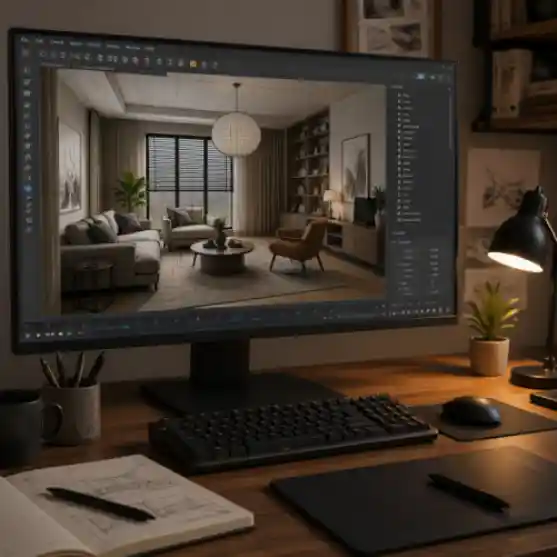
Integrating pre-made 3D models into a visualization workflow.
Alt text: 3D artist workspace with interior scene on computer monitor
Where to Find High-Quality Interior Design 3D Models
There are many platforms offering 3D assets, each with different strengths. Some specialize in free and paid resources, while others focus on professional-grade models with commercial licenses. Availability and licensing can vary, so it is important to check the license before use, especially for client work.
One useful platform is Relebook (https://www.relebook.com/), which provides a range of 3D models, textures, and HDRI for visualization workflows. While not all resources are free, the platform offers selected free assets alongside premium options, and each asset page clearly lists format, license, and usage details. Reviewing these details helps you choose the right model for your project. Relebook’s interface allows you to preview models in real-time, which speeds up the selection process.
Other well-known sources include online marketplaces where independent artists sell models. Some sites offer monthly subscriptions that include unlimited downloads of certain assets. For architecture 3d models, you can also find specialized databases with CAD and BIM objects. However, always verify the quality and accuracy of such models before using them in professional work.
If you are on a budget, you can find free interior 3d models on community sites, but these often come with limitations in quality, resolution, or licensing. For client projects, investing in reliable, high-quality models is usually worth it.
Creating Realistic Renders with the Right Assets
Even the best models need proper lighting and materials to shine. Use HDRI maps for realistic outdoor lighting or create a custom interior lighting setup. Combine your furniture 3d models with well-constructed shaders—roughness, anisotropy, and clearcoat values matter for surfaces like leather, metal, and glass.
Composition also plays a role. Place your camera at eye level, use the rule of thirds, and include depth of field to focus attention on key elements. Background details, such as a plant model casting a subtle shadow, add layers of realism.
Conclusion
Investing time in selecting high-quality interior design 3d models pays off in the final render. Prioritize clean geometry, realistic textures, and proper file compatibility. Use resources like Relebook to discover assets that fit your workflow, and always verify licensing terms before using them in commercial projects. With the right models and a solid rendering pipeline, you can achieve photorealistic interiors that impress clients and viewers.
Frequently Asked Questions
1. What file formats are commonly used for interior design 3D models?
The most common formats are .max (3ds Max), .fbx, .obj, .blend (Blender), and .c4d (Cinema 4D). Choosing the format that matches your software saves conversion time and preserves material setups.
2. Can I use free 3D models for commercial projects?
It depends on the license. Some free models are only for personal use, while others allow commercial use with restrictions. Always read the license agreement on the download page. Selected free assets on platforms like Relebook come with clear licensing information.
3. How many polygons should a furniture model have for realistic rendering?
For a close-up hero chair, 50,000 to 200,000 polygons is typical. Background furniture can be lower. The key is to use subdivision or proxy workflows to manage poly count.
4. What is the best practice for organizing a 3D model library?
Use a dedicated library tool or folder structure by category (sofas, tables, lamps). Name assets consistently (e.g., Sofa_Modern_White_01). Platforms like Relebook offer built-in browsing and preview capabilities that simplify asset management.
5. Are there ready-to-use scenes with furniture and decor?
Some marketplaces offer full scene kits that include furniture, lighting, and decor. These can be a great starting point, but you may still need to adjust materials and lighting to match your specific project.
6. How do I avoid stretching textures when importing a model?
Check the model’s UV mapping in your 3D software. If textures look stretched, apply a box mapping or re-UV the problematic areas. Models with good topology usually have clean UVs.
7. Should I use third-party models or model everything myself?
Using pre-made models saves time, especially for standard furniture and decor. Custom modeling is better for unique or signature designs. Combining both approaches is efficient.
8. What information is important on an asset’s download page?
Look for polygon count, texture resolution, file format, software compatibility, and license type. On Relebook, each asset page includes these details so you can make an informed choice.
FAQ
What file formats are commonly used for interior design 3D models?
The most common formats are .max (3ds Max), .fbx, .obj, .blend (Blender), and .c4d (Cinema 4D). Choosing the format that matches your software saves conversion time and preserves material setups.
Can I use free 3D models for commercial projects?
It depends on the license. Some free models are only for personal use, while others allow commercial use with restrictions. Always read the license agreement on the download page. Selected free assets on platforms like Relebook come with clear licensing information.
How many polygons should a furniture model have for realistic rendering?
For a close-up hero chair, 50,000 to 200,000 polygons is typical. Background furniture can be lower. The key is to use subdivision or proxy workflows to manage poly count.
What is the best practice for organizing a 3D model library?
Use a dedicated library tool or folder structure by category (sofas, tables, lamps). Name assets consistently (e.g., Sofa_Modern_White_01). Platforms like Relebook offer built-in browsing and preview capabilities that simplify asset management.
Are there ready-to-use scenes with furniture and decor?
Some marketplaces offer full scene kits that include furniture, lighting, and decor. These can be a great starting point, but you may still need to adjust materials and lighting to match your specific project.
How do I avoid stretching textures when importing a model?
Check the model’s UV mapping in your 3D software. If textures look stretched, apply a box mapping or re-UV the problematic areas. Models with good topology usually have clean UVs.
Should I use third-party models or model everything myself?
Using pre-made models saves time, especially for standard furniture and decor. Custom modeling is better for unique or signature designs. Combining both approaches is efficient.
What information is important on an asset’s download page?
Look for polygon count, texture resolution, file format, software compatibility, and license type. On Relebook, each asset page includes these details so you can make an informed choice.