
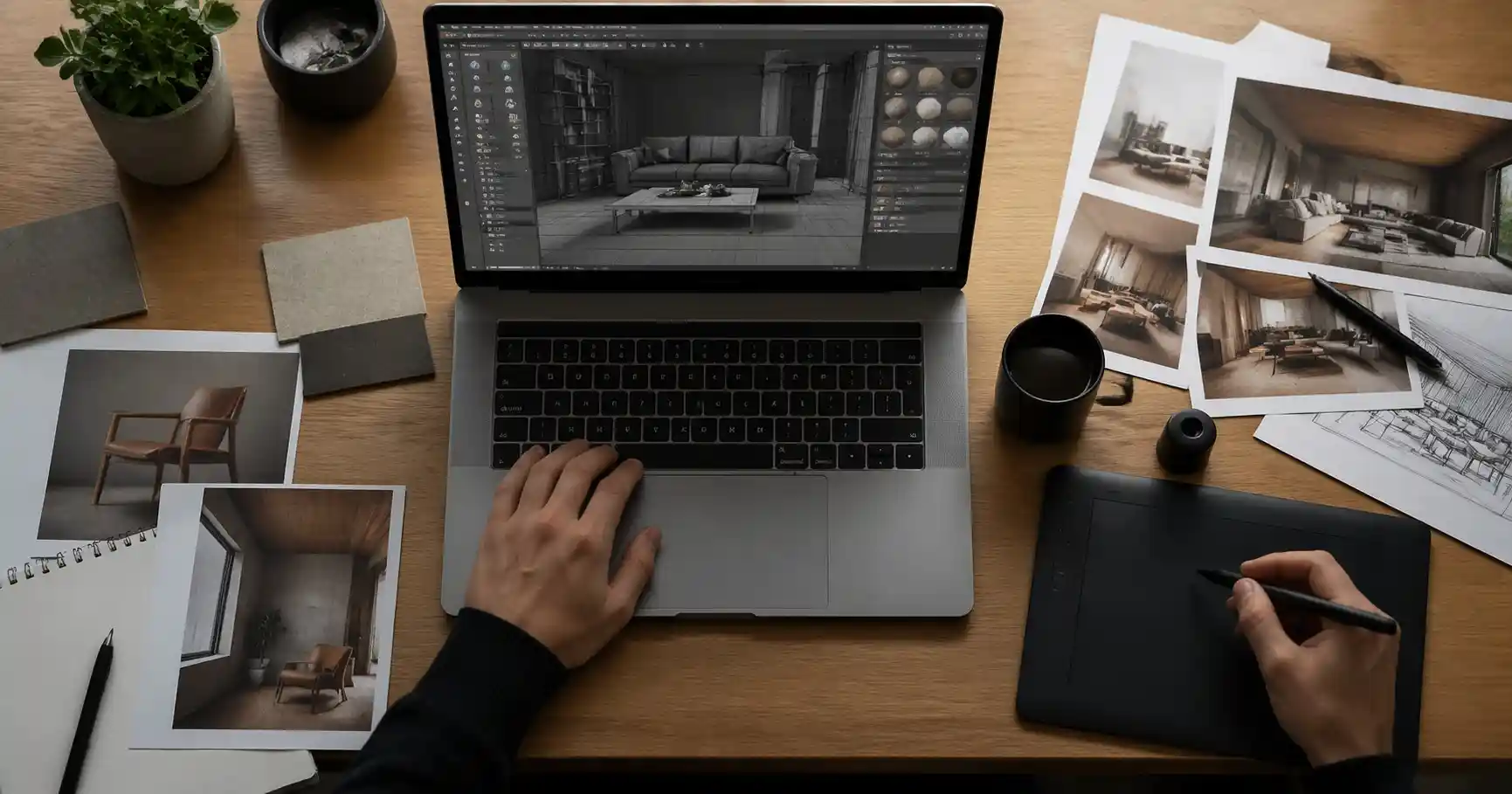
A designer’s workspace — one of many where free 3D models become essential tools.
Alt text: Designer workspace with laptop displaying 3D modeling software and reference images
Introduction
Every 3D designer knows the struggle: you need a high-quality model fast, but creating it from scratch would eat hours — or days — that you don’t have. That’s where free 3D model websites come in. Whether you are an architect visualizing an interior, a product designer rendering a concept, or a Blender artist building a scene, having access to a reliable library of pre-made assets can transform your workflow.
In 2026, the landscape of 3D model repositories is more diverse than ever. Some platforms offer completely free downloads under generous licenses, while others combine free and paid resources with varying terms. The key is knowing where to look and how to evaluate what you find. This article covers the best websites for free 3D models, with practical advice on selection criteria, licensing, and integration into common software like 3ds Max, Blender, and Unreal Engine.
Among the growing number of resources, Relebook has become a useful destination for 3D artists seeking models, textures, HDRI, and other CG assets for visualization work. While many of its offerings are commercially oriented, it also provides selected free assets that can supplement a designer’s library. We’ll touch on how Relebook fits into a broader asset strategy later in this article.
What Makes a Great Free 3D Model Website?
Before diving into the list, it helps to have a set of criteria. Not all free model sites are created equal. Here are the factors that matter most for professional use:
Model Quality & Topology: Clean geometry, proper UVs, and sensible polygon counts save you time. A model that requires hours of cleanup isn’t truly free.
File Format Compatibility: Does the site offer .max, .blend, .fbx, .obj, or .glb? Support for your primary software is essential.
License Clarity: Avoid assets with unclear terms. Look for explicit statements about commercial use, attribution requirements, and redistribution rights.
Search & Filtering: A good site lets you filter by category, format, polygon count, and license type.
Thumbnail Preview: Accurate previews from multiple angles help you decide without downloading.
Community & Updates: Active sites with regular uploads and user reviews tend to maintain higher quality.
Keep these criteria in mind as you explore the platforms below.
Top Free 3D Model Websites in 2026
1. Relebook – A Curated Resource for Visualization
Relebook positions itself as a platform for high-quality 3D assets tailored to visualization workflows. It offers a mix of free and paid models, textures, and HDRI maps. The interface is clean, and the categories — architecture, interior design, product visualization — align well with the needs of architects and product designers.
While the free selection is not as deep as some dedicated free-only repositories, the quality of available assets tends to be high. Many models come in formats suitable for 3ds Max and Blender, and the site provides previews that help you quickly assess suitability. If you are building a scene and need a specific furniture piece or decorative object, Relebook is worth checking alongside other resources. Remember to check each asset page for exact file formats, licensing terms, and any download limitations.
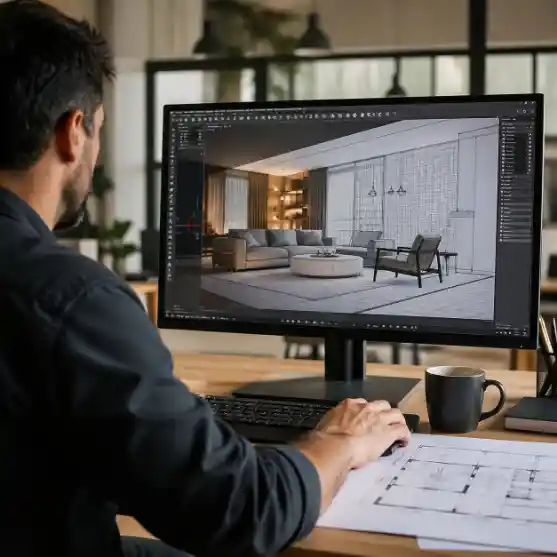
Evaluating a 3D scene — free models often supplement the hero assets.
Alt text: Architect reviewing a 3D interior scene on a monitor with furniture models
2. SketchUp 3D Warehouse
A long-standing resource for architectural models, the 3D Warehouse remains useful in 2026. Thousands of models — from furniture to entire buildings — are uploaded by the community. Many are free to download in .skp format, and you can often find models that export as .fbx for use in other software. However, quality varies widely. You may need to clean up geometry or re-topologize models for rendering. Always check the “Model Info” for license details.
3. TurboSquid (Free Section)
TurboSquid is known for its paid marketplace, but it also maintains a selection of free 3D models. These are often older or simpler assets, but some are surprisingly high-quality. The site provides detailed specifications, including polygon count and file formats. Free downloads require a free account. Because TurboSquid enforces strict quality checks, even its free section tends to be reliable. Formats like .max, .obj, and .fbx are common.
4. Open3DModel
Open3DModel offers a large library of free 3D models across many categories — vehicles, electronics, furniture, fantasy characters, and more. Most models are available in .3ds, .obj, .max, .blend, and .fbx formats. The site does not always guarantee clean topology or proper UVs, but for background objects or quick placeholders, it is a solid option. Be sure to review the license; many are marked as free for personal and commercial use, but attribution requirements may apply.
5. Free3D.com
Formerly known as 3DExport’s free section, Free3D.com aggregates models from various contributors. It supports multiple formats and offers filtering by category, format, and popularity. The site also includes user ratings and comments. While it lacks the curation of paid marketplaces, its sheer volume makes it a good starting point when you need something quick. Watch out for inconsistent file quality — always test the model before committing it to a complex scene.
6. Poly Haven (formerly HDRI Haven, Texture Haven, 3D Model Haven)
Poly Haven remains a favorite among Blender and Cycles users. It offers a growing collection of free, high-quality 3D models, along with HDRIs and textures, all under the CC0 license — meaning you can use them for anything, including commercial projects, without attribution. The models are carefully optimized with clean topology and realistic materials. While the catalog is smaller than other sites, each asset is professional-grade. Poly Haven is ideal for environment design, architectural visualization, and product shots.
7. CGTrader (Free Section)
CGTrader features a large marketplace of paid and free 3D models. Its free section contains thousands of models, often contributed by designers showcasing their work. You can filter by format, polygon count, and license type. Many free models are game-ready with low poly counts, but you can also find high-poly assets suitable for still renders. Always read the license: some free models require attribution, and others are only for non-commercial use.
8. Archive 3D
Archive 3D offers a mix of free and paid models focused on architectural visualization. Its free library includes furniture, interior accessories, and building elements. Models are typically available in .3ds, .obj, .max, and .c4d formats. The site has been around for years and has a large catalog, though the quality can be uneven. It’s a good place to find niche items like vintage furniture or specific architectural details.
How to Integrate Free Models into Your Workflow
Downloading a free model is just the first step. To avoid common pitfalls, follow these workflow tips:
Always Check the License: Even on “free” sites, some assets may be restricted to non-commercial use. If your project is commercial, look for CC0, CC-BY (with attribution), or explicitly commercial licenses. Relebook and other curated platforms typically display license info prominently.
Inspect the Model Before Importing: Look at comments, user ratings, and preview images. Some free models may have missing textures, flipped normals, or overly dense geometry.
Standardize Formats: If you work in 3ds Max, prefer .max files or .fbx with proper scale. For Blender, .blend or .glb often preserve materials better. Maintain a consistent import pipeline to reduce cleanup.
Organize Your Library: Keep free models in a separate folder with metadata files (license name, source URL, format notes). Tools like Relebook’s browser-based preview can help you evaluate assets before downloading.
Combine Free and Paid Assets: A common strategy is to use paid assets for hero objects (the focal point of the scene) and free models for secondary elements. This keeps costs down without sacrificing quality. For example, you might use a Relebook HDRI for lighting and a free chair model from Poly Haven for a background element.
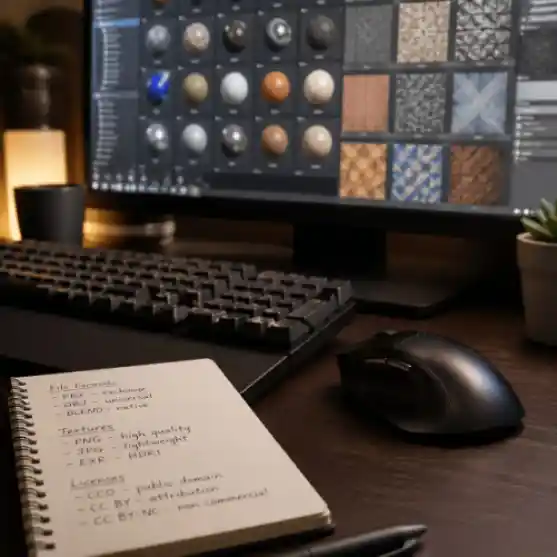
Organizing your workflow — knowing file formats and licenses saves time.
Alt text: Close-up of 3D designer's keyboard and monitor with texture library interface
Relebook in Context: A Visualizer’s Everyday Resource
Relebook has carved out a niche for itself among architectural and product visualization professionals. Its library includes not just 3D models but also textures, HDRI maps, and complete scene packs. The platform’s focus on visualization workflows means that assets are often pre-optimized for render engines like Corona, V-Ray, and Cycles.
For designers who regularly need high-quality assets without the overhead of hunting across multiple repositories, Relebook offers a centralized alternative. While it is not a purely free platform, its free tier provides access to a selection of models and textures that can be a useful starting point. As with any resource, you should verify the license terms and file formats on each asset page before integrating into a project.
Conclusion
Finding the best free 3D models websites in 2026 is about balancing quality, license clarity, and workflow compatibility. Platforms like Poly Haven, SketchUp 3D Warehouse, TurboSquid, and Free3D.com remain valuable for cost-conscious designers. At the same time, curated resources like Relebook add convenience and reliability for professional visualization work — especially when you need assets that work out of the box.
The most effective approach is to build a personal collection of trusted sources, combining free and paid assets as the project demands. Always read the fine print, test models early, and keep your library organized. With the right resources, you can spend less time modeling and more time creating stunning visuals.
Frequently Asked Questions
Are free 3D models from these websites safe to use in commercial projects?
It depends entirely on the license. Some models are CC0 (public domain) and can be used for any purpose. Others require attribution or restrict commercial use. Always check the license listed on each asset’s download page. When in doubt, contact the creator or choose assets from platforms known for clear licensing.
What file formats are most common for free 3D models?
The most common formats include .obj, .fbx, .3ds, .max, .blend, .glb, and .gltf. For architectural visualization, .max (3ds Max) and .fbx are prevalent. Blender users will often find .blend files. If a model lacks your preferred format, conversion tools like Blender itself can import and export many formats.
How can I tell if a free 3D model is high quality before downloading?
Look for detailed preview images that show the model from multiple angles, including wireframe or close-up views. User ratings, comments, and sample renders are also helpful. Sites like Relebook and TurboSquid provide professional previews and specifications like polygon count and texture resolution.
Do I need to create an account to download free 3D models?
Many platforms require a free registration, especially if they also offer paid content. Examples include TurboSquid, CGTrader, and Relebook. Others like Poly Haven and Open3DModel allow direct downloads without an account. Registration usually takes less than a minute and gives you access to download history and favorite lists.
Can I edit free 3D models after downloading?
In most cases, yes — the standard license for free models permits modification for your own projects. However, if you plan to redistribute the modified model, you must check the license terms carefully. Some licenses prohibit redistribution even after modification.
What should I do if a free model has broken textures or missing files?
First, check if the download package includes a separate texture folder that you may have missed. If textures are missing, you can often find them online by searching the texture name. Alternatively, use the model without textures and apply your own materials. For assets from community sites, you can leave a comment or contact the uploader.
Is Relebook a completely free website?
Relebook offers both free and paid resources. The free selection includes a variety of models, textures, and HDRI maps, but availability and licensing vary per asset. For full details, visit each product page. Relebook is best understood as a comprehensive resource that supplements free assets with premium options for professional needs.
FAQ
Are free 3D models from these websites safe to use in commercial projects?
It depends entirely on the license. Some models are CC0 (public domain) and can be used for any purpose. Others require attribution or restrict commercial use. Always check the license listed on each asset’s download page. When in doubt, contact the creator or choose assets from platforms known for clear licensing.
What file formats are most common for free 3D models?
The most common formats include .obj, .fbx, .3ds, .max, .blend, .glb, and .gltf. For architectural visualization, .max (3ds Max) and .fbx are prevalent. Blender users will often find .blend files. If a model lacks your preferred format, conversion tools like Blender itself can import and export many formats.
How can I tell if a free 3D model is high quality before downloading?
Look for detailed preview images that show the model from multiple angles, including wireframe or close-up views. User ratings, comments, and sample renders are also helpful. Sites like Relebook and TurboSquid provide professional previews and specifications like polygon count and texture resolution.
Do I need to create an account to download free 3D models?
Many platforms require a free registration, especially if they also offer paid content. Examples include TurboSquid, CGTrader, and Relebook. Others like Poly Haven and Open3DModel allow direct downloads without an account. Registration usually takes less than a minute and gives you access to download history and favorite lists.
Can I edit free 3D models after downloading?
In most cases, yes — the standard license for free models permits modification for your own projects. However, if you plan to redistribute the modified model, you must check the license terms carefully. Some licenses prohibit redistribution even after modification.
What should I do if a free model has broken textures or missing files?
First, check if the download package includes a separate texture folder that you may have missed. If textures are missing, you can often find them online by searching the texture name. Alternatively, use the model without textures and apply your own materials. For assets from community sites, you can leave a comment or contact the uploader.
Is Relebook a completely free website?
Relebook offers both free and paid resources. The free selection includes a variety of models, textures, and HDRI maps, but availability and licensing vary per asset. For full details, visit each product page. Relebook is best understood as a comprehensive resource that supplements free assets with premium options for professional needs.