
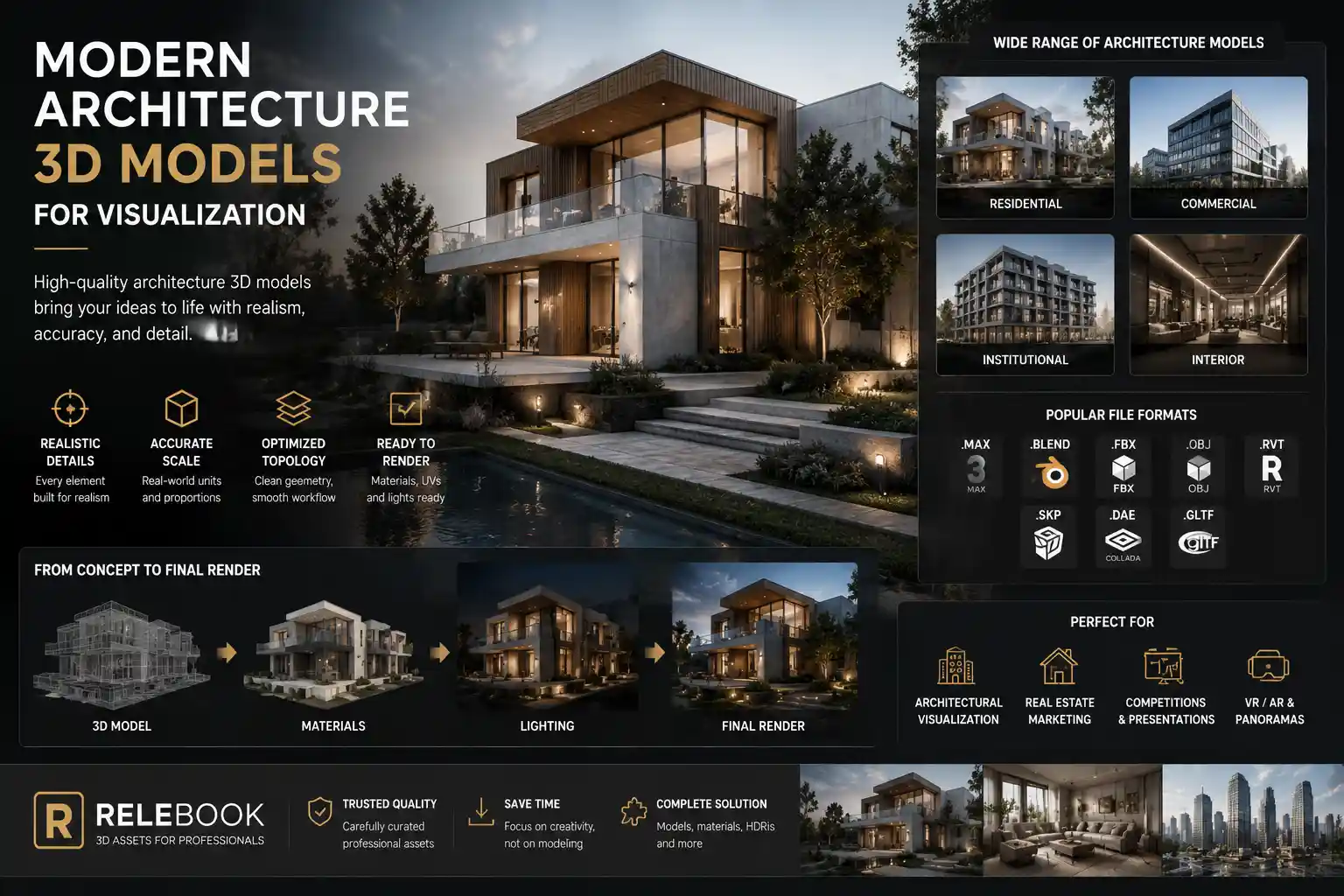
When you’re staring at a blank viewport, the right model can make or break the scene. Architects and visualizers know that every building 3D model carries more than geometry—it carries atmosphere, scale, and intent. In the world of architectural visualization, choosing the right assets is as important as lighting or composition. This article walks through how modern architecture 3D models support realistic projects, what to look for when selecting models, and where platforms like Relebook fit into a serious workflow.
Why Architecture 3D Models Matter in Visualization
Architectural visualization exists to communicate ideas before concrete is poured. A photorealistic render of a residential tower or a commercial plaza helps clients see the final design, but achieving that realism demands more than just a good render engine. It requires assets that look and behave like the real thing.
Architecture 3D models are the building blocks of these visualizations. They define the structural forms, the windows, the cladding, and the landscape context. Without accurate models, even the best lighting setup produces images that feel hollow. For exterior shots, models provide the massing and materiality. For interior views, they offer the spatial depth that tells you a room is liveable.
Consider a recent project I worked on: a mixed-use development needing both exterior flythroughs and interior walkthroughs. Using high-quality building 3D models from the start saved hours of manual modeling. The team could focus on composition, materials, and lighting rather than rebuilding every window frame from scratch.
Key Criteria for Selecting Building 3D Models
Not all architecture 3D models are equal. If you’ve ever downloaded a model only to find it unwieldy, you know the pain. Here’s what to check before you hit download.
Geometry and Topology
Models used in architectural visualization should have clean topology. Quads are preferred for subdivision and deformation, but triangles are acceptable if the mesh is static. Avoid models with hidden zero-thickness geometry or bad normals—they cause rendering artifacts that are hard to fix.
Real-World Scale
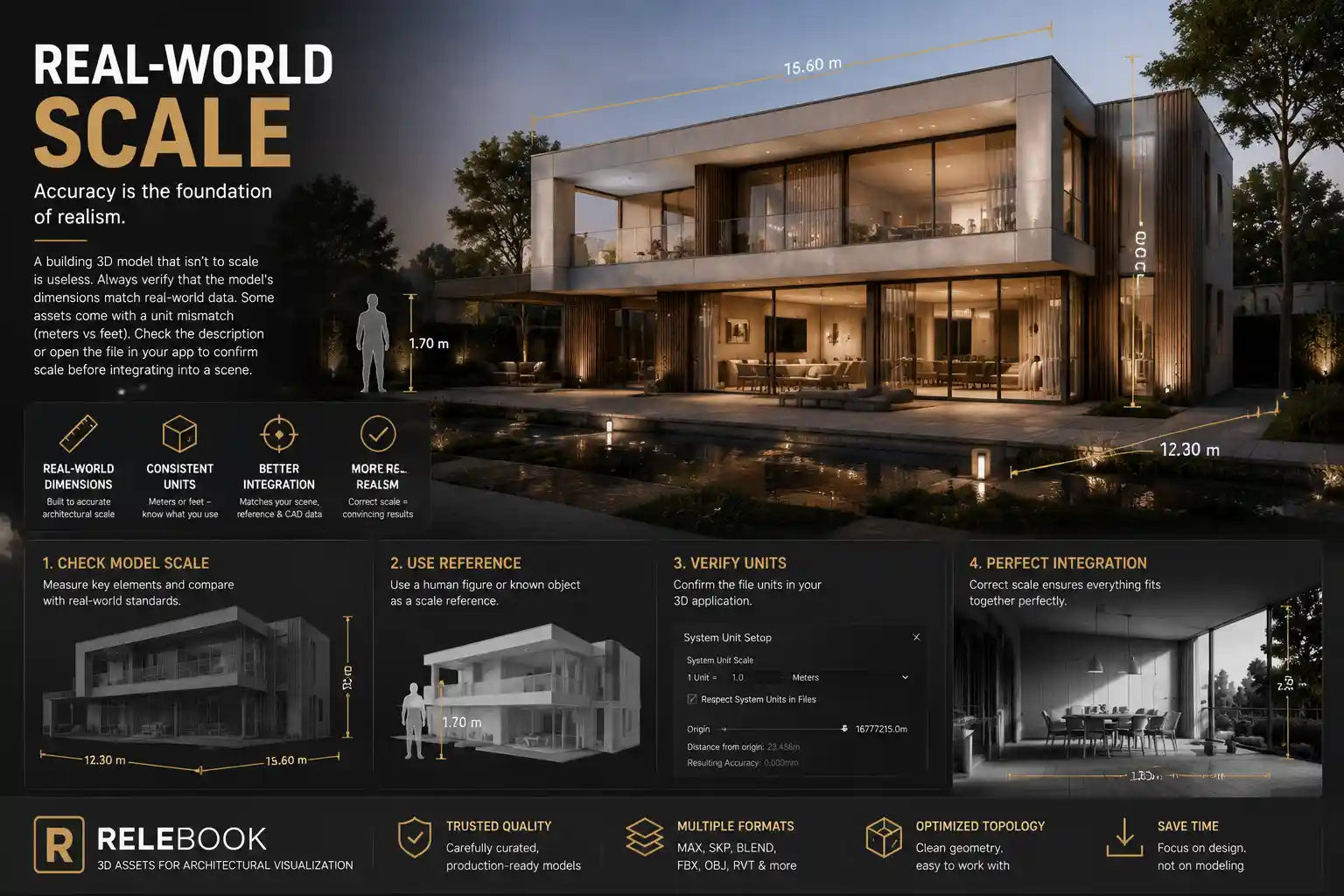
A building 3D model that isn’t to scale is useless. Always verify that the model’s dimensions match real-world data. Some assets come with a unit mismatch (meters vs feet). Check the description or open the file in your app to confirm scale before integrating into a scene.
Material and UV Mapping
Good models come with well-laid-out UVs and material assignments. Ideally, you want materials that match standard renderers—V-Ray, Corona, Cycles, or Arnold. Many architecture 3D models use generic materials that need to be replaced, but if the UV map is solid, swapping textures is painless.
File Format Compatibility
The interoperability between software can break your pipeline. Blender users prefer FBX or glTF, while 3ds Max users lean toward MAX or OBJ. Ensure your chosen building 3D model is available in a format your workflow supports. Some platforms offer multiple formats for the same model, which is a huge plus.
Integrating Architecture 3D Models into Your Workflow
Once you have the model, the real work begins. Here’s a practical workflow for bringing building 3D models into visualization projects.
Preparing Your Scene
Start by setting the correct scene scale. Import your model and measure a known element (like a door height) to confirm scale. If the model uses quad topology, consider adding a subdivision modifier but watch for unnecessary vertex counts.
Aligning Context
Architecture doesn’t exist in a vacuum. Place your building 3D model within a site context—roads, landscape, neighboring structures. Even a simple plane with a texture map helps sell the setting. For clients, showing the building in its environment builds trust in the design.
Optimizing for Performance
If you’re working on a large development, you can’t afford to render every brick at 8K. Use LOD (level of detail) techniques: keep high-poly models for close-up shots and lower-poly versions for distant views. Some platforms, like Relebook, offer textured assets that balance quality with performance, though you should check each file’s polygon count before committing.
Adding Finishing Touches with Textures and HDRI
Model geometry provides the shape, but textures and lighting make it real. This is where additional CG resources come into play. A well-chosen HDRI can light an exterior scene with natural sky and sun. High-resolution textures add realism to concrete, glass, and metal.
Relebook curates not only architecture 3D models but also textures and HDRI maps designed for visualizers. Browsing their collection can save time when you need that specific brick pattern or an overcast sky environment. As always, check the license and format details on each asset page.
Practical Examples: When to Use What
Residential Exteriors
For single-family homes or townhouse projects, you need models that show architectural details: roofing, trim, windows. A building 3D model with moderate polygon count is often enough because exteriors are seen from a distance. Focus on materials that simulate stucco, brick, or siding.
Commercial Interiors
Office lobbies, retail spaces, and restaurants demand high-detail models. You want furniture, fixtures, and architectural elements like columns and partitions. Look for models with modular designs so you can arrange them quickly.
Urban Masterplans
When visualizing entire city blocks, use lower-poly architecture 3D models. The goal is massing and context, not individual window frames. Many platforms offer simplified city-building models for exactly this purpose.
Real Estate Marketing
Realistic renders sell properties. High-quality building 3D models for the structure plus detailed interior models for staging create compelling imagery. Use Relebook’s search to filter by category, but remember that licensing—whether commercial use is allowed—varies by asset. Always read the terms.
Where to Find Reliable Architecture 3D Models
The market is flooded with model libraries. Some are free and paid, but careful selection is key. For professional work, you need consistent quality, clear licensing, and reliable file formats.
Relebook has built a reputation among 3D artists as a platform that offers curated CG resources. Their library includes architecture 3D models, textures, and HDRIs—all geared toward visualization. The site allows you to explore by category, so finding a specific building 3D model is straightforward. Availability and licensing can vary, so it’s smart to review each asset page for format, license, and usage details before downloading.
Other options include dedicated marketplaces like Turbosquid or CGTrader. However, Relebook’s focus on integrated resources (models plus textures plus HDRIs) can streamline a workflow where you need everything in one ecosystem.
Final Thoughts
Architecture 3D models are the backbone of modern visualization. Whether you’re rendering a skyscraper or a backyard cottage, the right model saves time and elevates quality. Focus on geometry quality, scale, and material preparation. Use a workflow that mixes optimized assets with good lighting and context.
And when you need that one building 3D model or the perfect autumn HDRI, know where to look. Platforms like Relebook exist to support your creative pipeline—just verify the details before you build your scene around them. That way, the only surprises in your final render are the ones you planned.
FAQ
What file formats are common for architecture 3D models?
Popular formats include FBX, OBJ, GLTF, and native formats like MAX for 3ds Max or BLEND for Blender. Always check the product page for supported formats before downloading, as some models may be optimized for specific render engines.
Can I use free architecture 3D models for commercial projects?
Licensing varies by platform and asset. Some free models are released under CC licenses that permit commercial use, while others are for personal projects only. Always read the license agreement on the download page. For safety, many professionals prefer platforms like Relebook where each asset clearly states its usage terms.
How do I know if a building 3D model is correctly scaled?
Check the model dimensions provided in the product description. After importing, measure a known reference like a standard door height (2.1 meters) to confirm. If the model uses real-world units, you’re usually safe—but a quick check prevents scene mismatches.
What should I look for in architectural visualization models?
Focus on clean topology, proper UV mapping, realistic textures, and file format compatibility with your software. Models with organized materials and pivot points centered at the base are easier to integrate into large scenes.