
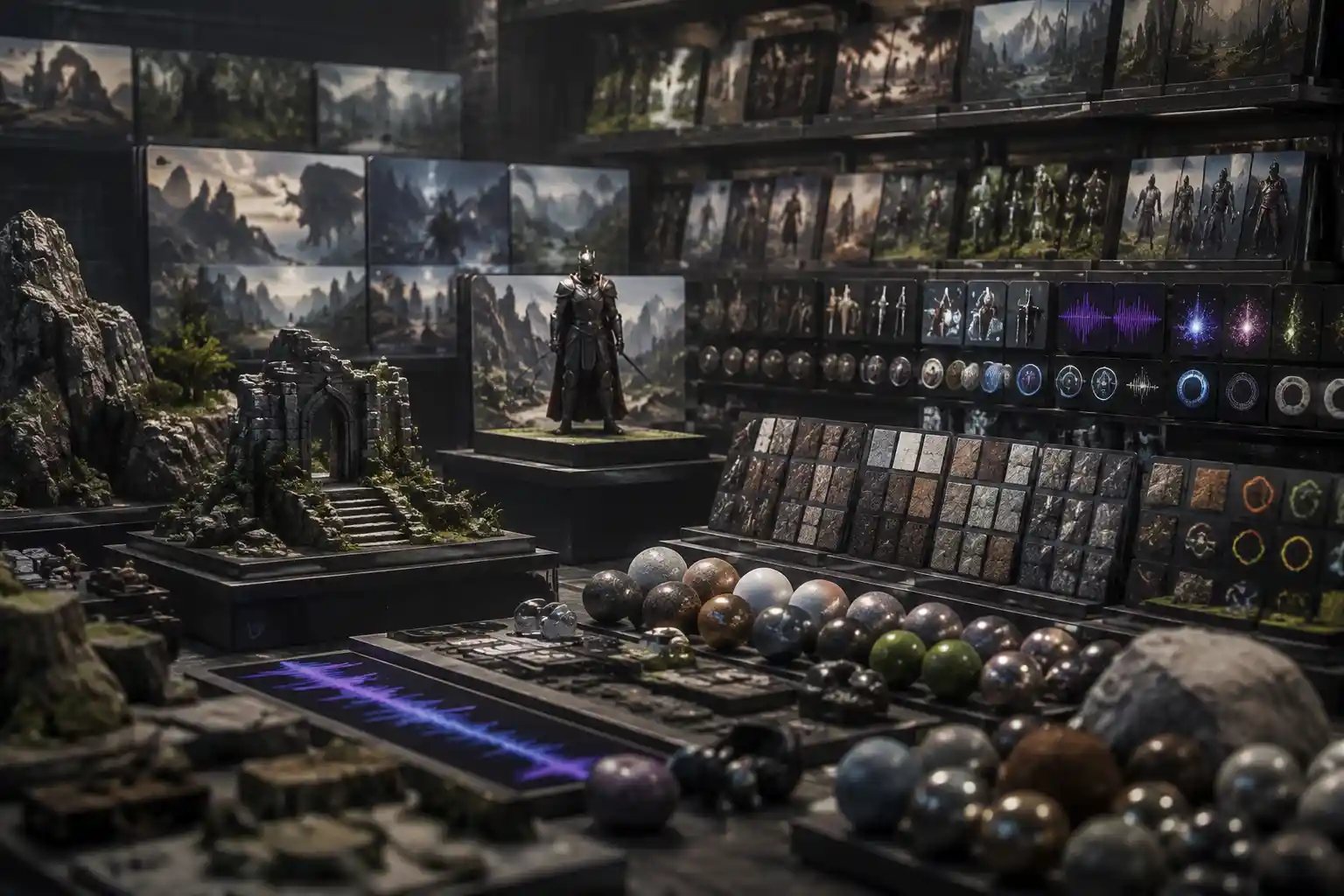
Whether you’re an independent game developer building your first 2D platformer, a studio rushing to meet a launch deadline, or a hobbyist creating a mod for your favorite title, high-quality game assets are the foundation of a polished, immersive player experience. Instead of spending weeks modeling custom characters or designing tileable textures from scratch, thousands of developers turn to game asset download sites to source ready-to-use art, audio, code, and animations. But with hundreds of platforms offering everything from free public domain assets to premium exclusive packs, knowing which sites fit your project’s needs—and how to avoid common pitfalls like copyright infringement or low-quality files—can make all the difference in bringing your game to life.
What Are Game Assets, and Why Do Developers Use Download Sites?
Before diving into the best platforms and best practices, it’s helpful to clarify what exactly counts as a game asset, and why downloading pre-made assets has become such a common practice across the industry. At its core, a game asset is any discrete piece of content that makes up a game, separate from the core game logic and code (though code snippets and scripts are often categorized as assets too). Common asset types include 3D models, 2D sprites, textures, environment tilesets, character animations, sound effects, background music, UI elements, icons, and even pre-built level layouts.
For decades, most large studios created every asset in-house, but the rise of indie game development over the past 15 years has flipped that model on its head. Today, 70% of indie developers use at least some pre-made assets in their projects, according to a 2023 survey by the International Game Developers Association (IGDA). There are several key reasons for this shift:
- Cost efficiency: Hiring a full-time 3D artist or audio designer can cost $60,000+ annually, while most premium asset packs cost less than $100. Free asset sites offer even more savings for developers working on tiny budgets.
- Time savings: A single 4K PBR texture can take 10+ hours to create from scratch. Downloading a pre-made texture cuts that work down to two minutes, letting developers focus on core design and gameplay instead of repetitive asset creation.
- Access to specialized skills: A developer who excels at coding may have no experience creating immersive 3D environment models. Download sites let them fill skill gaps without expanding their team.
- Prototyping speed: Pre-made assets let developers build a playable prototype of their game in days, not months, to test core mechanics before investing in custom content.
Even large AAA studios regularly use pre-made assets for background objects, filler content, and placeholder art during development. For example, a studio building a open-world racing game doesn’t need to custom-model every street sign or park bench; those small assets can be sourced from a download site to free up artists to work on core content like cars and track designs.
Types of Game Asset Download Sites: Free vs. Premium, Royalty-Free vs. Exclusive
Not all game asset download sites are created equal. Platforms fall into two broad categories based on pricing and licensing, each suited to different types of projects. Understanding the differences will help you narrow down your search and avoid unexpected legal or quality issues down the line.
Free Game Asset SitesFree asset sites are the most popular option for hobbyists, student developers, and indie teams working on projects with no upfront budget. Most free sites offer assets under permissive licenses that allow commercial use, though some require attribution to the original creator. Free assets are ideal for prototyping, filler content, small indie projects, or testing out a new game engine before committing to a paid asset purchase.
That said, free assets do come with drawbacks. Because they’re accessible to everyone, it’s not uncommon to see the same asset used in dozens of different games. Quality can also be inconsistent: a free character model may have inconsistent UV mapping or missing animation frames that require hours of troubleshooting to fix. Most free assets don’t come with official support, so if you run into a problem, you’ll have to fix it yourself.
Premium Commercial Asset SitesPremium sites charge for assets, either as a one-time purchase per pack, a monthly subscription for unlimited downloads, or a pay-per-asset model. Prices range from $5 for a small icon pack to $200+ for a full high-quality character model with multiple animations. In exchange, you get consistent quality, official support, and often exclusive rights or lower risk of overuse.
Many premium sites also curate their assets, meaning every asset is reviewed by a team before it’s added to the marketplace. This filters out low-quality or broken files that are common on free platforms. Premium assets also often come with multiple file formats compatible with popular engines like Unity, Unreal Engine, and Godot, so you can drop them directly into your project without extensive reformatting.
License Categories to UnderstandRegardless of whether you choose a free or premium site, understanding asset licenses is non-negotiable. Using an asset without the right license can lead to your game being taken down, legal claims, or lost revenue. The most common licenses are:
- Public Domain: Assets are free to use, modify, and redistribute for any purpose, even commercial, with no attribution required. This is the most permissive license available.
- Creative Commons Attribution (CC BY): Free for commercial and non-commercial use, as long as you credit the original creator in your game’s credits or documentation.
- Royalty-Free: You pay a one-time fee to use the asset, with no ongoing royalties owed to the creator, even if your game generates millions in revenue. Most premium assets use this license, though restrictions on redistribution (e.g. you can’t resell the asset itself as part of another asset pack) still apply.
- Exclusive License: You purchase the sole right to use the asset, meaning no other developer can use it after your purchase. This is the most expensive option, but it’s ideal for studios that want completely unique core assets.
“Copyright is the silent killer of indie game projects. A developer can spend two years building a game with unlicensed assets, only to have it pulled from Steam the day after launch because someone filed a copyright claim. Always check the license before you download, even if the asset is listed as free.”
Top Game Asset Download Sites for Every Use Case
With hundreds of platforms to choose from, we’ve narrowed down the most reputable options, organized by use case, to help you find what you need quickly.
Best Free All-in-One SitesFor developers on a budget, these platforms offer a wide range of asset types for commercial use with no upfront cost:
- itch.io: Best known as a platform for publishing indie games, itch.io also hosts tens of thousands of free game asset packs uploaded by creators. You can filter by license, asset type, and game engine, and many creators offer free assets as a way to promote their paid work. The community is curated, but quality still varies, so it’s important to read reviews before downloading.
- Kenney Assets: One of the most trusted names in free game assets, developer Kenny Nilka publishes hundreds of high-quality 2D and 3D asset packs under Creative Commons Zero (public domain) licenses. Assets are optimized for indie game development, with consistent art styles and pre-formatted files for all major engines. It’s a go-to for prototyping and small projects.
- OpenGameArt.org: A community-driven repository focused on free and open source game assets. All assets on the site are explicitly licensed for commercial use, and you can find everything from pixel art sprites to full MIDI soundtracks. The site has been around since 2009, so it has one of the largest collections of free 2D assets anywhere on the web.
- Pixabay / Unsplash: While not specifically for game assets, these stock photo sites offer thousands of high-resolution public domain photos that can be used as base textures, environment backdrops, or reference images for art. Just confirm the license before using, as most are free for commercial use with no attribution required.
If you’re willing to pay for quality, these large marketplaces offer curated assets from thousands of professional creators:
- Unity Asset Store: The official asset marketplace for Unity, the most popular game engine for indie developers. It offers hundreds of thousands of assets, from free 2D starter packs to premium full-game templates. All assets are tested for compatibility with Unity, and you can download them directly into your engine with one click. Most assets come with documentation and support from the creator.
- Unreal Engine Marketplace: Similar to the Unity Asset Store, but built exclusively for Unreal Engine users. It features a large collection of high-quality 3D assets, especially for environment design and cinematic projects, with free monthly assets offered to all users. Unreal’s curation standards are very high, so broken assets are rare.
- Itch.io (Paid Packs): In addition to free assets, itch.io hosts thousands of premium asset packs from independent creators, often at lower prices than larger marketplaces. Many creators offer custom art styles that you won’t find anywhere else, making it a great place to find unique assets that help your game stand out.
- TurboSquid: The largest marketplace for 3D models, with millions of assets ranging from small props to full characters. Most models are available in multiple file formats, so they work with any game engine. It’s especially good for architectural assets, vehicles, and realistic environmental objects.
If you’re looking for a specific type of asset, these niche platforms specialize in high-quality content for particular needs:
- Audio: Freesound offers hundreds of thousands of free user-uploaded sound effects under Creative Commons licenses, while AudioJungle is the go-to premium platform for royalty-free background music and sound effects. For original custom music, many creators also sell pre-made tracks on Bandcamp with commercial licenses.
- Pixel Art: Pixel Asset Market and DaVinci’s Pixels specialize in 2D pixel art assets for retro-style games, with consistent styles and pre-animated character sprites.
- Textures: Poly Haven offers free, high-quality PBR textures and HDR environment maps for 3D games, all public domain. TexturingXYZ sells premium albedo and displacement maps for photorealistic character models.
- UI Assets: Game UI Database is a free resource for reference, while UI Hut sells premium pre-built UI packs with customizable elements for every genre of game.
Common Pitfalls to Avoid When Downloading Game Assets
Even when using reputable sites, there are several common mistakes that can derail your project. Being aware of these pitfalls will save you time, money, and legal trouble.
Ignoring License RestrictionsAs we noted earlier, license violations are the most common and most damaging mistake developers make. Some free asset sites host uploaded content that creators don’t actually own, meaning you could accidentally download a stolen asset and end up on the wrong side of a copyright claim. Always download assets from platforms that enforce copyright rules, and double-check the license to confirm it allows commercial use. If you’re unsure, contact the creator directly to ask for permission.
Overusing Free Assets That Hurt Your Game’s IdentityIt’s no secret that the most popular free assets are used in hundreds of games. If your main character is the default free Kenney ninja model that everyone recognizes, players are likely to judge your game as unpolished before they even start playing. The solution is simple: modify free assets to fit your game’s art style. Even small changes like recoloring a sprite or adjusting the proportions of a 3D model can make a generic asset feel unique. For core assets like main characters, it’s worth investing in a custom or premium exclusive asset to keep your game feeling original.
Ignoring File Compatibility and Poly CountNot all assets are optimized for game engines. A 3D model you download from a general stock site might have 100,000 polygons, which is fine for a cinematic render but will kill your frame rate on mobile devices. Always check the poly count, texture resolution, and file format before purchasing or downloading an asset. Most game asset sites list compatibility with specific engines and hardware, so confirm that the asset works for your target platform (e.g. PC, mobile, console) before adding it to your project.
Downloading Too Many Unused AssetsIt’s easy to get carried away downloading dozens of free asset packs that you think you might use later, but this can bloat your project files and make version management a nightmare. Only download assets you plan to use in your current build, and organize them in a clear folder structure from the start. If you’re using a version control system like Git, large asset files can quickly bloat your repository, so use a dedicated asset management tool to keep things organized.
Forgetting to Credit Creators When RequiredEven if an asset is free, many licenses require you to credit the original creator. Failing to add attribution is a license violation that can lead to claims, even if you didn’t mean any harm. Keep a running list of all assets you use and their attribution requirements, and add all credits to your game’s end credits or official website before launch.
Best Practices for Getting the Most Out of Downloaded Assets
Once you’ve found and downloaded the right assets for your project, following these best practices will help you integrate them smoothly and create a cohesive, polished game.
Modify Assets to Match Your Art StyleAs we mentioned earlier, even high-quality premium assets will feel out of place if they don’t match your game’s overall aesthetic. If you’re working with a mix of assets from different creators, take the time to adjust color grading, texture resolution, and proportions to create a consistent look. For example, if you download a tree model that’s too bright for your dark fantasy game, adjust the saturation and contrast in an image editor to match your environment. Even small tweaks go a long way toward making your game feel cohesive.
Start with Placeholder Assets for PrototypingYou don’t need custom final assets to build a prototype. Use free placeholder assets to test your core gameplay mechanics as early as possible. If your game isn’t fun with placeholder art, it won’t be fun with custom art either. Once you’ve validated your gameplay, you can replace placeholders with final custom or premium assets. This approach saves you from wasting weeks creating custom assets for a gameplay concept that doesn’t work.
Support Independent Creators When You CanMost asset creators are independent developers and artists themselves, and even a small purchase helps them keep creating new free and paid assets for the community. If you use a free asset in a commercial game that generates revenue, consider leaving a tip to the creator or purchasing one of their other asset packs. This helps grow the ecosystem and keeps high-quality assets accessible to everyone.
Test Assets On Your Target Hardware EarlyAlways test how assets perform on your target platform before finalizing your build. A 4K texture that works fine on a high-end PC will cause slow load times and frame drops on a mobile phone. Optimize assets by reducing texture resolution for lower-end hardware, and retopologize high-poly 3D models to reduce polygon counts where it doesn’t affect visual quality. Most popular game engines have built-in tools to help optimize assets for different platforms.
Conclusion
Game asset download sites have democratized game development, making it possible for small teams and individual developers to create polished, professional-quality games without a huge budget or a large in-house team. Whether you’re a hobbyist prototyping your first game or a seasoned developer working on a commercial release, there’s a platform that fits your needs, from free community-driven repositories like Kenney Assets and OpenGameArt to curated premium marketplaces like the Unity Asset Store and Unreal Engine Marketplace.
The key to success with downloaded assets is simple: do your due diligence on licenses, prioritize quality over quantity, and modify assets to create a cohesive experience that matches your game’s unique vision. By following best practices and avoiding common pitfalls, you can leverage pre-made assets to cut down development time, fill skill gaps, and focus on what matters most: building a fun, engaging game that players will love.