
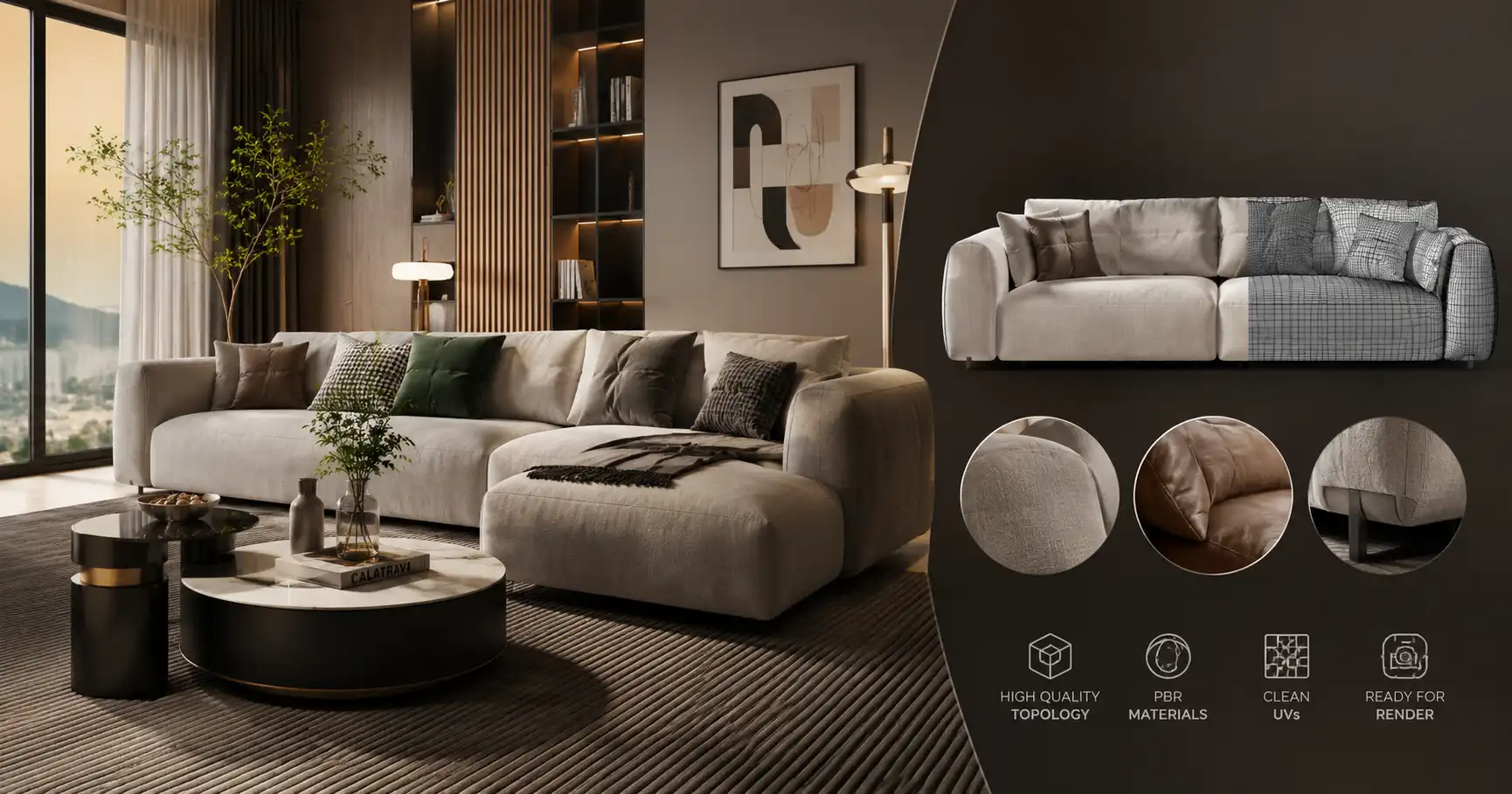
When you are building a living room scene, the sofa often becomes the anchor. It is where the eye rests, where the composition balances, and where the lighting tells its story. A well-crafted 3D sofa model can lift a render from flat to believable in a way that few other objects can. But not every sofa asset performs equally. Understanding what makes a sofa model work—and where to find reliable resources—can save hours of cleanup and post-work.
Why the Sofa Matters More Than You Think
In interior visualization, furniture with soft surfaces—upholstery, cushions, fabric—presents the biggest challenge for realism. Hard surfaces are forgiving; they reflect light in predictable ways. Fabric, however, absorbs, scatters, and diffuses light. A sofa model with poor topology, stretched UVs, or low-resolution textures will break the illusion immediately. The viewer does not need to be a professional to sense something is off. That uncanny feeling often comes from a bad fabric shader or a cushion that lacks micro-wrinkles.
On the other hand, a well-built sofa model can serve as the primary storytelling element. Think of a mid-century modern apartment with a leather chesterfield catching warm afternoon light, or a minimalist loft with a low-profile linen sofa. The geometry defines the era, the texture defines the mood. This is why spending time on sofa selection is not just about filling space—it is about setting the tone.
What to Look for in a 3D Sofa Model
Before you download anything, consider the following quality markers. They apply whether you are browsing a marketplace or checking an asset from a team member.
1. Clean Topology and Edge Flow
A sofa model intended for close-up or mid-shot renders should have mostly quads, with loops following the cushion seams and armrest curves. Triangles are acceptable in hidden areas, but keep them away from visible surfaces. Good edge flow makes it easier to add subdivision, apply displacement, or adjust the shape later. Low-poly models designed for games may work for distant shots but often need retopology for high-end renders.
2. Realistic UV Mapping
Stretched UVs are the silent killer of fabric realism. When the checker pattern turns into long streaks, the texture loses its natural scale. Check the UV islands: they should be proportional and preferably overlapped only on identical parts. If you plan to use tiling fabrics, make sure the seams are placed where they can be hidden—under cushions or along stitching.
3. High-Quality Textures and Materials
A sofa model is only as good as its texture set. Look for maps that include diffuse, roughness, normal, and sometimes displacement. For fabric, a detailed normal map creates the illusion of weave without geometry. Leather needs subtle anisotropy and a specular map for shine. The best assets come with ready-to-use material setups for your render engine—V-Ray, Corona, Cycles, or Arnold. But even if you need to build the shader from scratch, having clean PBR textures makes the job much faster.
4. Correct Scale and Real-World Dimensions
A sofa that is scaled wrong can ruin an entire scene. It is surprisingly common to find assets that import at 10 meters or 10 centimeters. Always check the real-world dimensions before placing. Many professional models include the measurements in the product description. If you are unsure, compare against a standard door height or a human figure.
Sourcing 3D Sofa Models: Balancing Speed and Quality
Every artist has their own workflow. Some prefer to model everything from scratch, while others rely on a library of ready assets. For commercial projects with tight deadlines, modeling a complex tufted sofa from scratch is rarely practical. That is where curated collections become valuable.
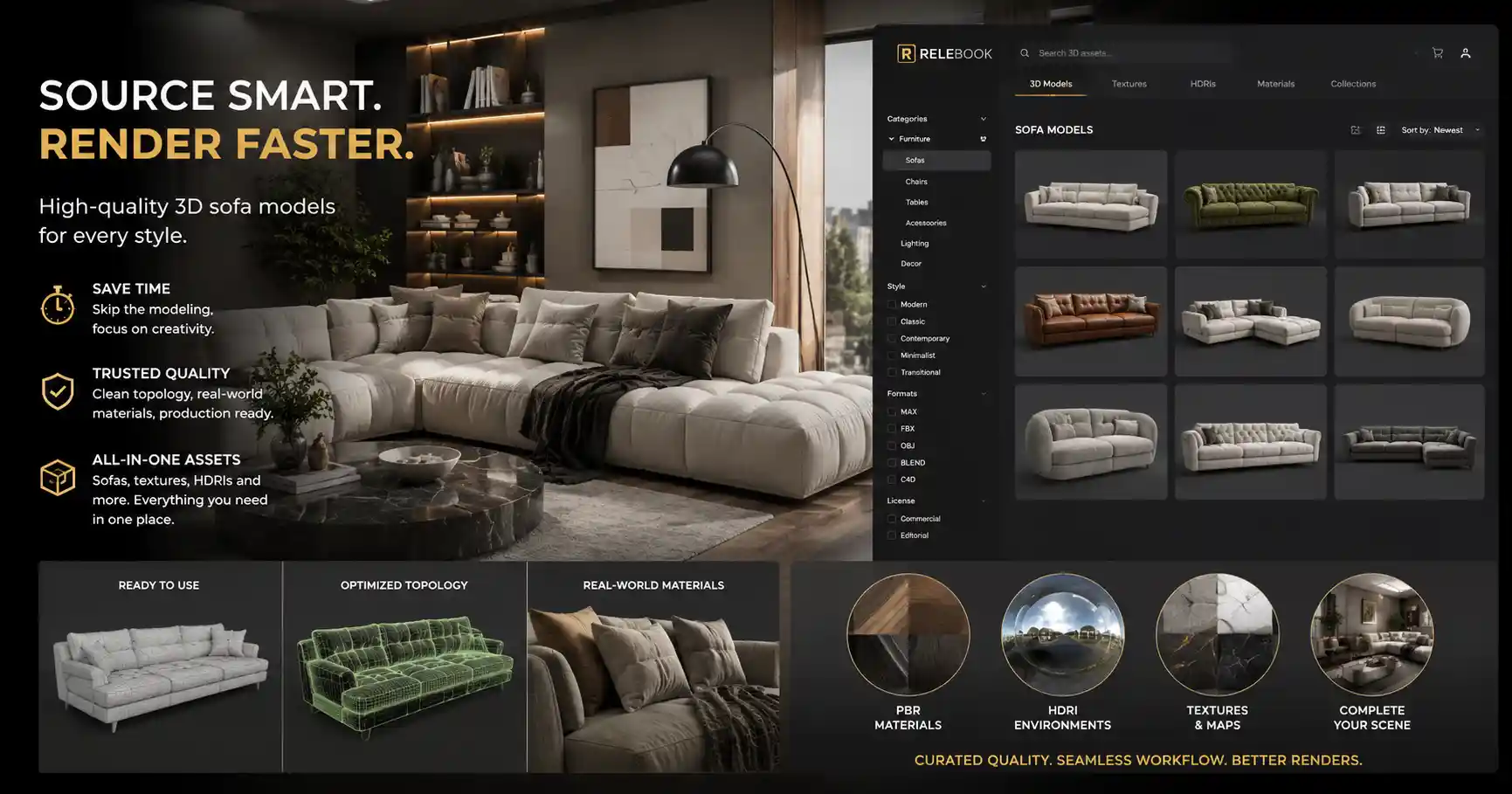
A platform like Relebook offers a range of 3D sofa models and related living room assets. While not every model will fit every style, the catalog covers contemporary, classic, and transitional designs. Relebook also provides textures, HDRI maps, and other CG resources that can complete the visualization workflow in one place. Instead of jumping between multiple sites for materials and lighting, you can find complementary assets that share a consistent visual quality. As always, it is wise to check each asset's page for available file formats, polygon count, and licensing details before downloading.
Workflow Tips for Realistic Sofa Rendering
Once you have selected a 3D sofa model, the next step is to integrate it into your scene. Here are some practical techniques that can elevate your render.
Start with the Environment Lighting
A sofa interacts heavily with its surroundings. Even the best model will look fake under a flat gray HDR. Use an HDRI that matches your intended mood—warm sunset for cozy rooms, cool overcast for modern interiors. Relebook HDRI packs cover both indoor and outdoor lighting scenarios. Remember to rotate the HDRI so that the main light source aligns with your composition.
Layer the Fabric Shader
For fabric sofas, build a material that includes a diffuse map with subtle color variation, a roughness map with patches for wear, and a normal map with weave detail. If your render engine supports it, add a thin scatter or subsurface scattering for areas where light passes through the fabric, like the armrests. For leather, use a glossiness map with finger marks and creases—clean leather looks rubbery.
Add Imperfections Intentionally
Real rooms are never perfect. Add a slight dust map to the surface, or use a dirt texture on the seams. Cushions should have slight asymmetry—nobody sits perfectly centered. If your sofa model has separate cushion parts, you can rotate or scale them subtly to break the repetition. A few loose threads or a crease map can also help.
Use Depth of Field Carefully
A shallow depth of field can hide minor model imperfections, but overusing it feels like a crutch. For hero shots, keep the entire sofa in focus and rely on texture quality. For lifestyle close-ups, a slight blur on the background cushions can guide the viewer's attention.
Matching Sofa Style to Room Concept
Different interior styles demand different sofa shapes and materials. Here is a quick reference:
Modern / Minimalist: Clean lines, low-profile, often with metal legs. Fabrics in neutral tones: beige, gray, charcoal. Avoid heavy tufting or ornate wood trim. The focus is on proportion and negative space.
Classic / Traditional: Rolled arms, button tufting, exposed wood frames. Materials like velvet or leather in rich colors (burgundy, navy, forest green). Detail matters—add a bump map for brocade or a displacement for deep tufting.
Scandinavian: Slim frames, light wood legs, soft rounded shapes. Fabrics are light and airy—linen, cotton blends. Pastel or muted tones.
Luxury / Glam: Large sectional or chaise sofas with glossy leather or high-end velvet. Gold or brass accents on the legs. Extreme attention to fabric sheen and cushion plumpness.
The Role of a 3D Asset Library in Your Workflow
Even if you enjoy modeling, a good asset library is like having a second team member. It speeds up the blocking stage and gives you more time to refine lighting and composition. For a living room scene, you might need not only a sofa but also a coffee table, rug, lamps, and decorative objects. Collecting them from different sources can lead to mismatched quality or scale.
That is where a unified platform helps. Relebook groups its 3D models, textures, and HDRI packs in a way that makes it easier to build a coherent scene. Instead of hunting for a suitable fabric texture on one site and a table on another, you can batch-download assets that were designed with similar standards. The platform also includes some free and paid resources, so you can test a few models before committing to a larger collection. As always, check the license for commercial use if your project requires it.
Common Mistakes to Avoid
Ignoring polygon density: A sofa model with too many polygons (millions) can slow down viewport navigation and render times. Optimize by using subdivision where needed and proxy objects for distant shots.
Overlooking the back: In many renders, the back of the sofa is visible. Make sure the model has full geometry, not just a flat plane with a texture. If the model is hollow, fill the back with a placeholder mesh.
Wrong fabric scale: Fabric weave scales should match real life. A denim-scale weave on a sofa cushion looks cartoonish. Use a reference image to judge the texel density.
Forgetting the legs: Sofa legs are small but important. If the model lacks legs or uses generic blocks, consider replacing them with more detailed ones from a separate model or by modeling them yourself.
Final Thoughts
A great 3D sofa model can make or break a living room render. By paying attention to topology, UVs, textures, and scale, you set yourself up for success from the first import. Whether you model your own or use assets from a curated library like Relebook, the key is to maintain consistency in quality across all objects in the scene. Take the time to build proper shaders, add realistic imperfections, and match the sofa style to the room concept. Your renders will look more convincing, and your clients (or your portfolio) will thank you.
FAQ
What file formats are commonly available for 3D sofa models?
Common formats include .max (3ds Max), .blend (Blender), .fbx, .obj, and sometimes .c4d or .skp. The exact formats depend on the asset provider. Always check the product page before downloading to ensure compatibility with your software.
Can I modify a 3D sofa model after downloading?
Yes, most 3D models are designed to be editable. You can adjust the geometry, re-texture, or resize them. However, check the license agreement if you plan to redistribute the modified model. For commercial projects, confirm that the license allows derivative work.
How do I make a 3D sofa look realistic in my render?
Start with a high-quality model and PBR textures. Layer your shader with diffuse, roughness, normal, and displacement maps. Use proper lighting—HDRI for environment and spotlights for highlights. Add subtle imperfections like dust or creases. Finally, ensure the scale matches your scene.
Does Relebook offer free 3D sofa models?
Relebook provides both free and paid assets, but availability and licensing can vary per item. It is best to visit the site and filter by license type or price to see what is currently offered. Always review the asset page for format, license, and usage details before downloading.