
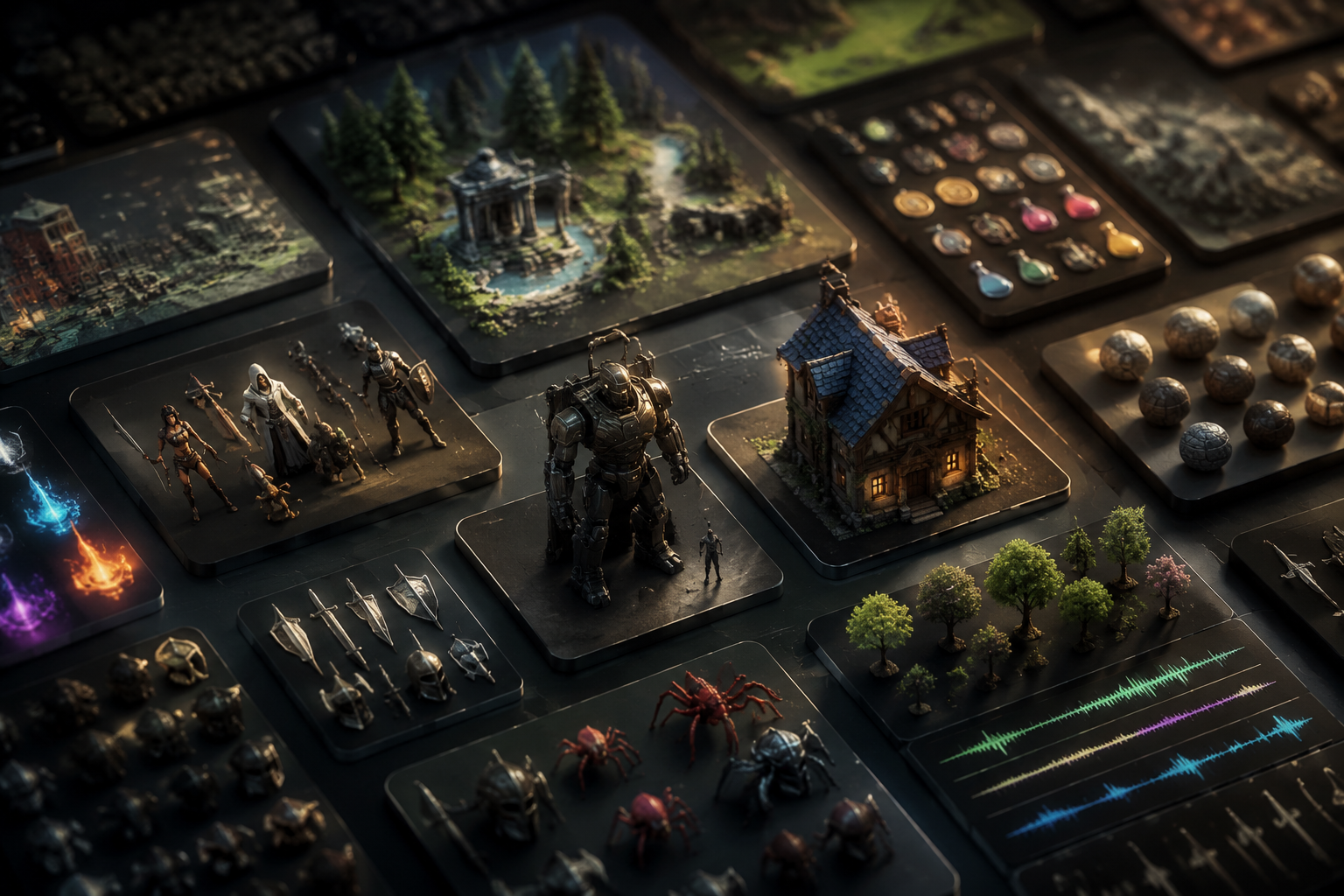
Whether you’re an independent game developer working on your first Steam release, a student building a prototype for a game jam, or a hobbyist creating a custom mod for your favorite title, high-quality game assets are the backbone of a polished, immersive experience. Buying every asset from scratch can blow a small budget, and creating every texture, 3D model, sound effect, and script yourself takes months of extra work. Knowing where to find reliable, legally safe assets to download can save you time, money, and stress — but the internet is full of low-quality uploads, hidden copyright claims, and broken links that can derail your project before it even launches. This guide breaks down the best places to download game assets for every project type and budget, plus key tips to stay compliant with licensing rules.
Free Asset Platforms for Budget-Conscious Developers
For new developers, game jam participants, and anyone working on a non-commercial project, free game asset libraries are an invaluable resource. Many professional creators release free assets to build their portfolio and give back to the development community, so you can find high-quality options without spending a dollar. It’s still important to check licensing terms even for free assets, but most platforms make license information easy to find upfront.
itch.ioitch.io is best known as a platform for independent game releases, but it’s also one of the largest communities for free and pay-what-you-want game assets. Creators from around the world upload everything from 2D pixel art tilesets for retro platformers to full 3D character models and ambient soundtracks. You can filter searches by license type (including commercial use), art style, file format, and price to narrow down exactly what you need. Many free asset packs on itch.io include extended licenses for commercial use, and creators often update packs with new content after release. For example, the popular Free Pixel Art Platformer Pack has been downloaded more than 200,000 times and includes all the tiles, characters, and effects you need to build a full 2D game.
Kenney AssetsKenney is a household name in the independent game development community, and for good reason. Founder and developer Gert-Jan de Vries has released hundreds of high-quality free asset packs over the past decade, covering every genre from top-down RPGs to space shooters. All Kenney assets are released under the Creative Commons Zero (CC0) license, which means you can use, modify, and redistribute them for any purpose, commercial or non-commercial, with no attribution required (though a credit is always appreciated). The site is easy to navigate, with assets organized by category, and all downloads are directly hosted on the site with no wait times or paywalls. If you’re just starting out with a new prototype, Kenney’s assets are the perfect starting point for testing mechanics without investing time or money into custom art.
OpenGameArt.orgOpenGameArt.org is a community-run repository focused exclusively on free and open-source game assets. The site has been around since 2009, so it has an enormous catalog of 2D art, 3D models, sound effects, and music. All assets on the site are tagged with their license, so you can quickly filter for CC0 or public domain assets that are safe for commercial use. One of the biggest benefits of OpenGameArt is its active community: creators often take requests for new assets and update existing packs based on user feedback. It’s also a great place to find niche assets, like custom fonts for retro games or medieval-themed tilesets that are hard to find on larger platforms.
Other notable free options include Google Poly (for free 3D models, though it no longer accepts new uploads) and Freesound, which is one of the largest libraries of free creative-commons sound effects on the internet. For 2D textures, Texture Haven offers hundreds of high-resolution, CC0 textures that work great for environmental art in 3D games.
Premium Marketplaces for Commercial-Grade Assets
If you’re working on a commercial release and need professional-grade assets that are guaranteed to be legally safe, premium marketplaces are worth the investment. Most premium assets come with clear commercial licenses, regular updates, and support from the creator, so you don’t have to worry about hidden copyright claims down the line. Prices range from a few dollars for a small asset pack to $50 or more for a full character model or environment set, and many marketplaces offer frequent sales that let you build a library for less.
Unity Asset StoreThe Unity Asset Store is the oldest and largest premium marketplace for Unity game engine assets, and it’s still the go-to choice for most Unity developers. It has everything from complete game templates (ready to reskin and release as your own) to high-end 3D environments, character animations, AI scripts, and audio assets. All assets on the store are vetted by Unity to ensure they work with the latest version of the engine, and most come with documentation to help you integrate them into your project. If you’re building a Unity game, you can download assets directly into your project from the editor, which saves a lot of time on file management. Licenses are generally very permissive: you can use most assets in multiple commercial projects, and you only pay a one-time fee with no ongoing royalties.
Unreal Engine MarketplaceJust like the Unity Asset Store, the Unreal Engine Marketplace is the official source for premium assets built specifically for Unreal Engine. Epic Games, the developer of Unreal, regularly gives away high-quality free assets every month to subscribers, so you can build a premium library without spending anything if you check back regularly. The marketplace is particularly known for its stunning 3D environments and photorealistic character models, which take advantage of Unreal’s cutting-edge graphics capabilities. Like Unity, all assets are vetted, integration is seamless, and licenses allow for commercial use with one-time pricing. Epic also hosts regular sales where entire packs of premium assets can be purchased at 50% off or more.
CraftPixCraftPix has carved out a niche as a leading marketplace for high-quality 2D game assets, particularly for pixel art, casual mobile games, and fantasy RPGs. The site offers both free and premium assets, with premium packs ranging from $5 to $20, which is more affordable than many larger marketplaces. All CraftPix assets come with a commercial license, and the site organizes assets by game genre, making it easy to find exactly what you’re looking for. If you’re building a 2D mobile game or a retro-style indie title, CraftPix is one of the best places to find cohesive, well-designed asset packs that fit together seamlessly.
“The biggest mistake new indie devs make is wasting 40 hours trying to create a single 3D tree model when they could buy a professionally made pack for $10 and spend that time polishing gameplay. Premium assets don’t make your game less original — they let you focus on what makes your game unique.”
— Phil Harrison, veteran game developer and former head of Sony Interactive Entertainment Worldwide Studios
Other popular premium marketplaces include CGTrader, which connects you with freelance 3D artists who create custom assets, and GameDev Market, a curated marketplace for 2D and 3D assets from independent creators.
Specialized Asset Libraries for Niche Needs
Sometimes you don’t need a full asset pack — you need a specific type of asset, like a high-resolution texture, a unique sound effect, or a custom script for a specific mechanic. General marketplaces have a lot of variety, but specialized libraries focus on one type of asset, making it easier to find exactly what you need for your project.
Textures and MaterialsHigh-quality textures are one of the easiest ways to make a 3D game look polished, and there are several great libraries that offer free and paid textures for game development. The three most popular options for developers are:
- Poly Haven: All textures on Poly Haven are CC0, so you can use them for any purpose without attribution. The site offers thousands of high-resolution PBR (physically based rendering) textures that work perfectly in Unity, Unreal, and other modern game engines. Textures are available in multiple resolutions up to 8K, so you can use them for close-up environmental details without pixelation.
- TexturingXYZ: For premium photorealistic textures, particularly for character models and facial animations, TexturingXYZ is the industry standard. Game studios and independent developers alike use their high-resolution skin, hair, and clothing textures to create stunning lifelike characters. While pricing is higher than most marketplaces, the quality is unmatched for AAA-style projects.
- AmbientCG: Another excellent source of free CC0 PBR textures, AmbientCG has an easy-to-search interface and lets you download textures in multiple resolutions and file formats directly from the site. It’s particularly strong for architectural and environmental textures, like brick, wood, concrete, and stone.
Good audio is half of the immersive game experience, but many new developers overlook it until the final stages of development. Whether you need background music, sound effects for combat, or voice acting clips, these specialized libraries have you covered:
- Freesound: A community-driven library of more than 500,000 free sound effects, all uploaded by users and tagged with creative commons licenses. You can find everything from the sound of rain on a window to gunshots, animal noises, and ambient crowd noise. It’s perfect for filling in small gaps in your project’s audio on a budget.
- AudioJungle: Part of the Envato Market family, AudioJungle is the largest premium marketplace for royalty-free game music and sound effects. You can buy a track for as little as $5, and the license allows you to use it in commercial games with no ongoing royalties. The site has tracks for every genre, from upbeat casual game background music to epic orchestral scores for open-world RPGs.
- Incompetech: Run by composer Kevin MacLeod, Incompetech offers thousands of free royalty-free tracks for non-commercial and commercial use. All you need to do is provide attribution to the composer, which makes it a great option for low-budget commercial projects.
For 3D game developers who don’t have the skills or time to create custom character models, specialized 3D model libraries are a lifesaver. Sketchfab is one of the largest 3D model platforms on the internet, with millions of free and paid models available for download. You can filter searches by license, poly count, and file format, and many models come ready to rig with animations for immediate use in your game. For AAA-quality rigged character models, Reallusion Character Creator offers a marketplace of custom content that works seamlessly with their character creation tool, letting you quickly generate unique, fully rigged characters for your project.
Key Licensing Rules to Avoid Legal Trouble
No matter where you download game assets from, understanding and following licensing rules is non-negotiable. Using an asset without the proper license can lead to your game being taken down from Steam, the App Store, or Google Play, and can even result in expensive copyright lawsuits. The good news is that most reputable platforms make license information very clear, and as long as you follow a few basic rules, you can stay compliant.
First, it’s important to understand the most common license types you’ll encounter when downloading game assets:
- CC0 (Public Domain): CC0 is the most permissive license available. It means the creator has waived all copyright to the asset, so you can use, modify, sell, and redistribute it for any purpose, commercial or non-commercial, with no attribution required. This is the safest license for any project.
- Creative Commons Attribution (CC BY): This license allows you to use the asset for any purpose, including commercial use, as long as you give credit to the original creator. Most of the time, you can add a credit line in your game’s credits screen or on your store page, which is a simple requirement to fulfill.
- Commercial (Royalty-Free): Most premium assets come with a royalty-free commercial license. This means you pay a one-time fee to download and use the asset in your commercial game, and you don’t owe the creator any ongoing royalties based on your game’s sales. Always check the fine print: some licenses limit how many copies of your game you can sell, or restrict the use of assets in other products, but most modern licenses are very permissive.
- Non-Commercial Only: Many free assets are only licensed for non-commercial use. This means you can use them in prototypes, game jams, or personal projects, but if you plan to sell your game, you need to purchase a commercial license or replace the asset. Using a non-commercial asset in a commercial release is a direct violation of copyright, so always double-check this detail before you publish.
- Exclusive vs Non-Exclusive: Most game asset licenses are non-exclusive, which means the creator can sell the same asset to multiple developers, and you can use it alongside other assets from other creators. Exclusive licenses are more expensive and give you sole rights to use the asset, which is rarely necessary for most indie developers unless you’re building a large AAA project.
One common myth is that if an asset is free to download, it’s free to use for any purpose. That’s not true. Many creators upload their work to file-sharing sites or forums without clearly stating their license, and some assets uploaded to random sites are actually stolen from premium marketplaces. Downloading a stolen asset and using it in your game still counts as copyright infringement, even if you didn’t know it was stolen. That’s why it’s always best to download assets from reputable platforms that vet uploads and clearly display license information.
If you’re unsure about a license, the best course of action is to reach out to the original creator and ask for clarification. Most creators are happy to answer questions about how you can use their work, and getting permission in writing (even via email) protects you if there’s a dispute later on.
Tips for Getting the Most Out of Downloaded Assets
Downloading assets is only the first step. To make your game feel cohesive and original, you’ll need to customize and combine assets to fit your vision. Even if you’re working with free assets, small modifications can make your game feel unique instead of like a dozen other indie games that used the same asset pack.
Here are a few practical tips for working with downloaded assets:
- Stick to a single style for all assets: If you’re using a 16-bit pixel art tileset for your platformer, don’t mix it with 32-bit assets from a different pack. The inconsistent art style will pull players out of the experience. Many asset creators release full packs of coordinated assets that are designed to work together, so prioritize those over mixing and matching from multiple sources when you’re starting out.
- Modify assets to fit your needs: Even a simple recolor of a character or tile can make a generic asset feel original. If you have basic graphic design or 3D modeling skills, tweak assets to match your game’s color palette and art direction. Most licenses allow you to modify assets, so don’t be afraid to make them your own.
- Optimize assets for your target platform: A 8K 3D texture that looks great on a high-end PC will cause performance issues on mobile devices. When you download an asset, resize textures, reduce poly counts, and compress files to fit the platform you’re targeting. Most premium assets come in multiple resolutions already, so you can pick the right one for your project.
- Organize your asset library: It’s easy to download dozens of free asset packs and end up with a messy folder of unlabeled files that you can’t sort through. When you download a new asset, add it to a clearly labeled folder in your project library, and note the license information in a readme file. That way, if you need to reference the license later, you have it on hand.
- Test assets in your engine before publishing: Different file formats work differently in different engines. Always import an asset into your game engine and test it in-game before you finalize your build. Some free assets may have broken UV maps, missing animations, or incompatible file formats that you won’t notice until you test them in context.
If you’re working on a game jam, where you only have 24 to 48 hours to build a complete game, downloaded assets are a lifesaver that let you focus on building fun mechanics instead of creating every asset from scratch. Just make sure the game jam’s rules allow the use of pre-downloaded assets, which most do as long as you follow the original asset’s license.
Conclusion
Whether you’re a new developer working on your first prototype or an experienced indie studio building a commercial release, there’s a place to download game assets that fits your budget and your needs. Free platforms like Kenney, itch.io, and OpenGameArt.org offer thousands of high-quality, legally safe assets for non-commercial projects and prototypes, while premium marketplaces like the Unity Asset Store and Unreal Engine Marketplace give you vetted, commercial-grade assets with clear permissive licenses. Specialized libraries for textures, audio, and 3D models help you fill gaps in your project when you need a specific asset that general marketplaces don’t have. The most important thing to remember is to always check the license before you use an asset, and to modify and customize downloaded assets to make your game feel unique. By choosing the right sources and following basic best practices, you can build a polished, immersive game without spending months creating every asset from scratch — and focus on what matters most: making a great game that players will love.