
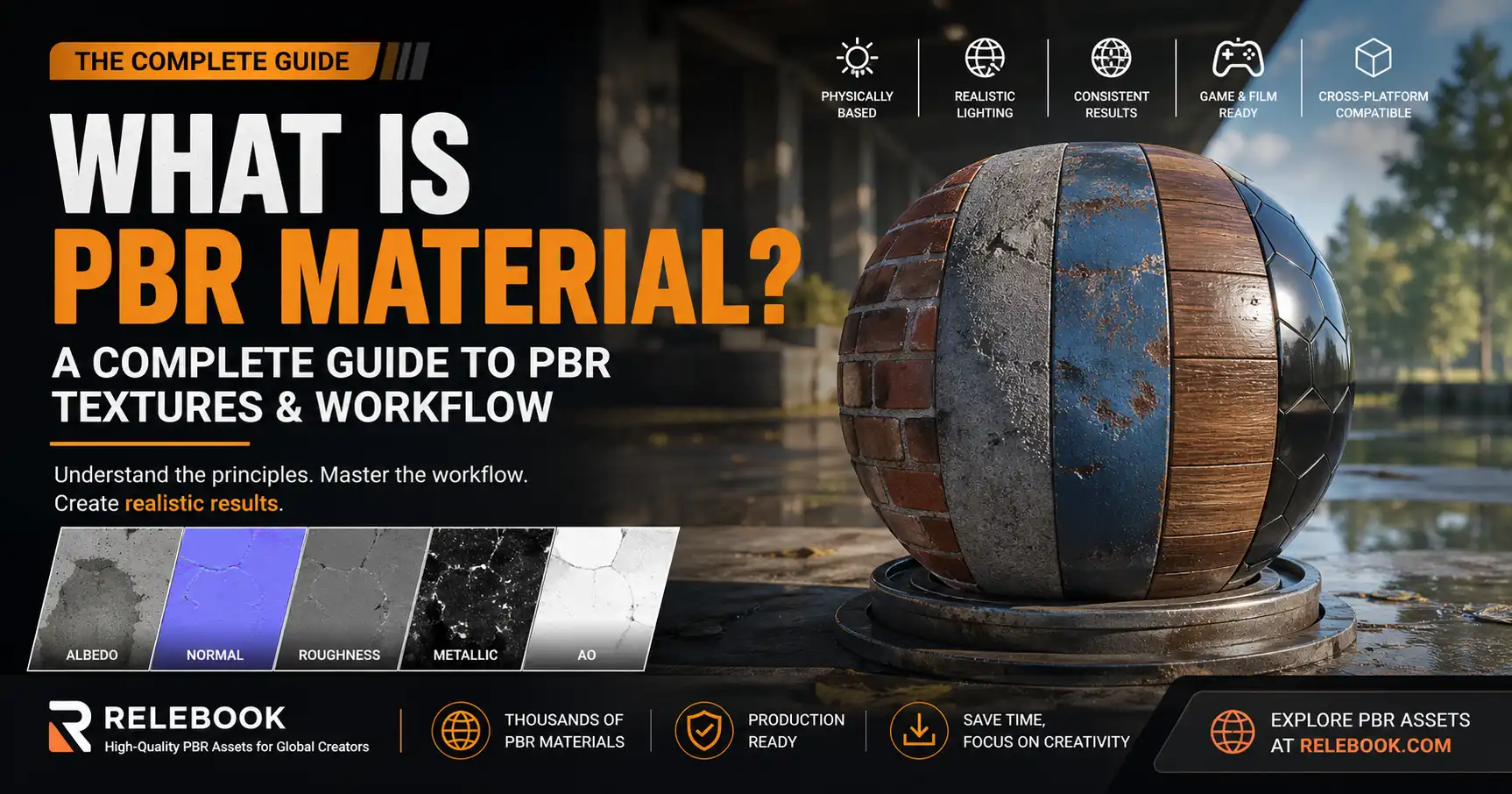
Introduction
In the world of 3D graphics, game development, product visualization, AR/VR, and digital content creation, one term appears again and again: PBR material.
If you have ever downloaded a 3D asset, worked in Blender, Unreal Engine, Unity, or explored asset platforms like Relebook (www.relebook.com), you have likely encountered PBR textures. But what exactly does PBR mean, and why has it become the global standard?
This in-depth guide is written specifically for international users and creators. Whether you are a beginner or a professional, this article will give you a complete understanding of PBR materials—from basic concepts to advanced workflows—while also helping you use them effectively in real-world projects.
What Does PBR Mean?
PBR stands for Physically Based Rendering.
It is a rendering methodology that aims to simulate how light behaves in the real world using physical laws. Instead of relying on artistic tricks or manual adjustments, PBR uses mathematical models to produce realistic and consistent results.
A PBR material is a collection of textures (maps) and parameters that define how a surface interacts with light in this system.
Why This Matters for Global Creators
For creators working across different software, devices, and pipelines, PBR ensures:
-
Consistent appearance across platforms
-
Realistic rendering without constant tweaking
-
Faster production workflows
This is especially important for platforms like Relebook, where assets are used globally across different engines and environments.
Why PBR Materials Are the Industry Standard
Before PBR became widely adopted, artists had to manually tweak materials for each scene and lighting condition. A material that looked good in one setup might fail completely in another.
PBR changed everything.
Key Advantages
1. Lighting Independence
PBR materials react naturally to any lighting environment—studio light, outdoor HDRI, or real-time lighting.
2. Realism
Because PBR follows real-world physics, materials look believable without guesswork.
3. Reusability
A single material can be reused across multiple projects and engines.
4. Cross-Engine Compatibility
PBR materials work seamlessly in:
-
Unreal Engine
-
Unity
-
Blender
-
Cinema 4D
-
WebGL viewers
5. Efficiency for Teams
Large teams benefit from standardized workflows, reducing communication and iteration time.
Core Principles Behind PBR
To fully understand PBR materials, you need to understand the physics concepts behind them.
1. Energy Conservation
A surface cannot reflect more light than it receives.
This prevents unrealistic glowing or overly bright materials and ensures visual accuracy.
2. Fresnel Effect
The reflectivity of a surface changes depending on the viewing angle.
-
At direct angles: less reflection
-
At grazing angles: more reflection
This is why even non-metal materials appear slightly reflective at sharp angles.
3. Microfacet Theory
Surfaces are made up of microscopic facets that affect how light scatters.
-
Smooth surface → sharp reflections
-
Rough surface → diffused reflections
4. BRDF (Bidirectional Reflectance Distribution Function)
At the heart of PBR is the BRDF, a mathematical function that defines how light is reflected.
Most modern engines use standardized BRDF models, ensuring consistent results across platforms.
Two Main PBR Workflows
1. Metalness/Roughness Workflow (Industry Standard)
This is the most widely used workflow today.
Core Maps:
-
Base Color (Albedo)
-
Metalness
-
Roughness
-
Normal
-
Ambient Occlusion (AO)
Why it’s popular:
-
Simpler to use
-
More intuitive
-
Better cross-platform compatibility
2. Specular/Glossiness Workflow
An older workflow still used in some pipelines.
Core Maps:
-
Diffuse
-
Specular
-
Glossiness
While more flexible, it is also more complex and less standardized.
Complete Guide to PBR Texture Maps
Understanding texture maps is essential for working with PBR materials.
Base Color (Albedo)
Defines the pure color of the surface.
Important rules:
-
No lighting or shadows
-
No reflections
-
No ambient occlusion baked in
Normal Map
Simulates surface detail without adding geometry.
Used for:
-
Scratches
-
Wrinkles
-
Surface bumps
Roughness Map
Controls how light scatters on a surface.
-
Black = smooth (mirror-like)
-
White = rough (diffuse)
Metalness Map
Defines whether a material behaves like metal.
-
0 = non-metal (plastic, wood)
-
1 = metal (iron, gold)
Ambient Occlusion (AO)
Adds soft shadowing in crevices.
Enhances realism by simulating indirect light blocking.
Height / Displacement Map
Adds real geometry depth.
Used in:
-
High-end rendering
-
Cinematic scenes
Emissive Map
Defines parts of a material that emit light.
Examples:
-
LED screens
-
Neon signs
How PBR Works in Practice
A PBR material is not just a single image—it is a system of maps working together.
For example, a realistic metal surface requires:
-
Base color for tint
-
Metalness set to 1
-
Roughness controlling polish level
-
Normal map for imperfections
When combined, these maps allow rendering engines to simulate realistic light interaction automatically.
Image-Based Lighting (IBL) and HDRI
PBR materials rely heavily on Image-Based Lighting (IBL).
IBL uses HDRI (High Dynamic Range Images) to simulate real-world lighting environments.
Benefits:
-
Realistic reflections
-
Natural lighting
-
Accurate color response
This is why PBR materials often look dramatically different depending on the HDRI used.
Real-World Material Examples
Metal
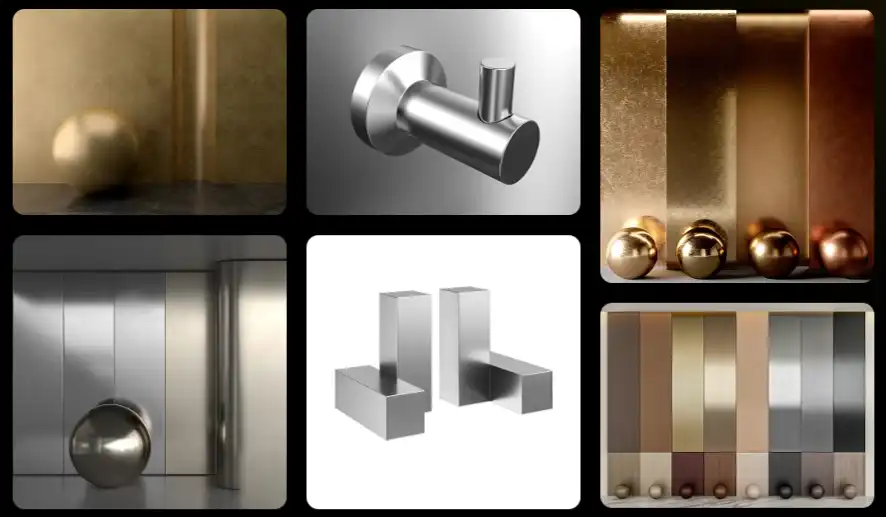
-
Metalness: 1
-
Roughness: low to medium
-
Strong reflections
Plastic
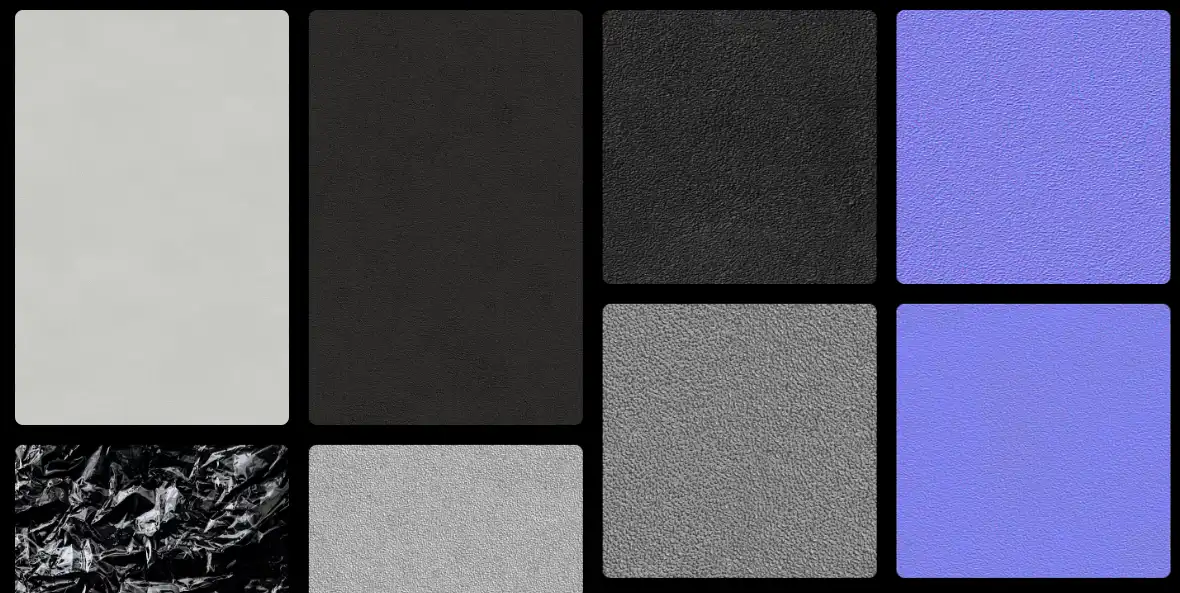
-
Metalness: 0
-
Roughness: medium
-
Soft reflections
Wood
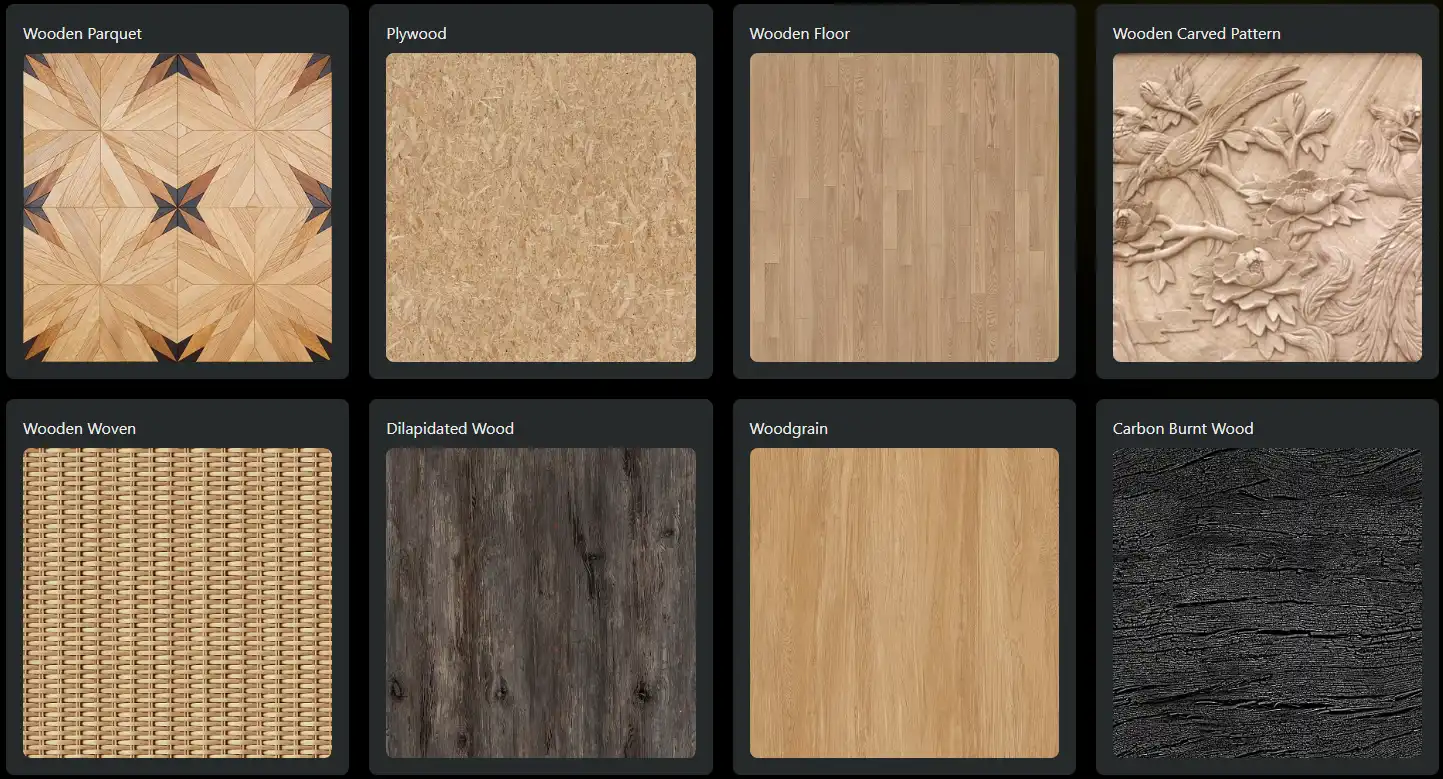
-
Metalness: 0
-
Roughness: high
-
Minimal reflection
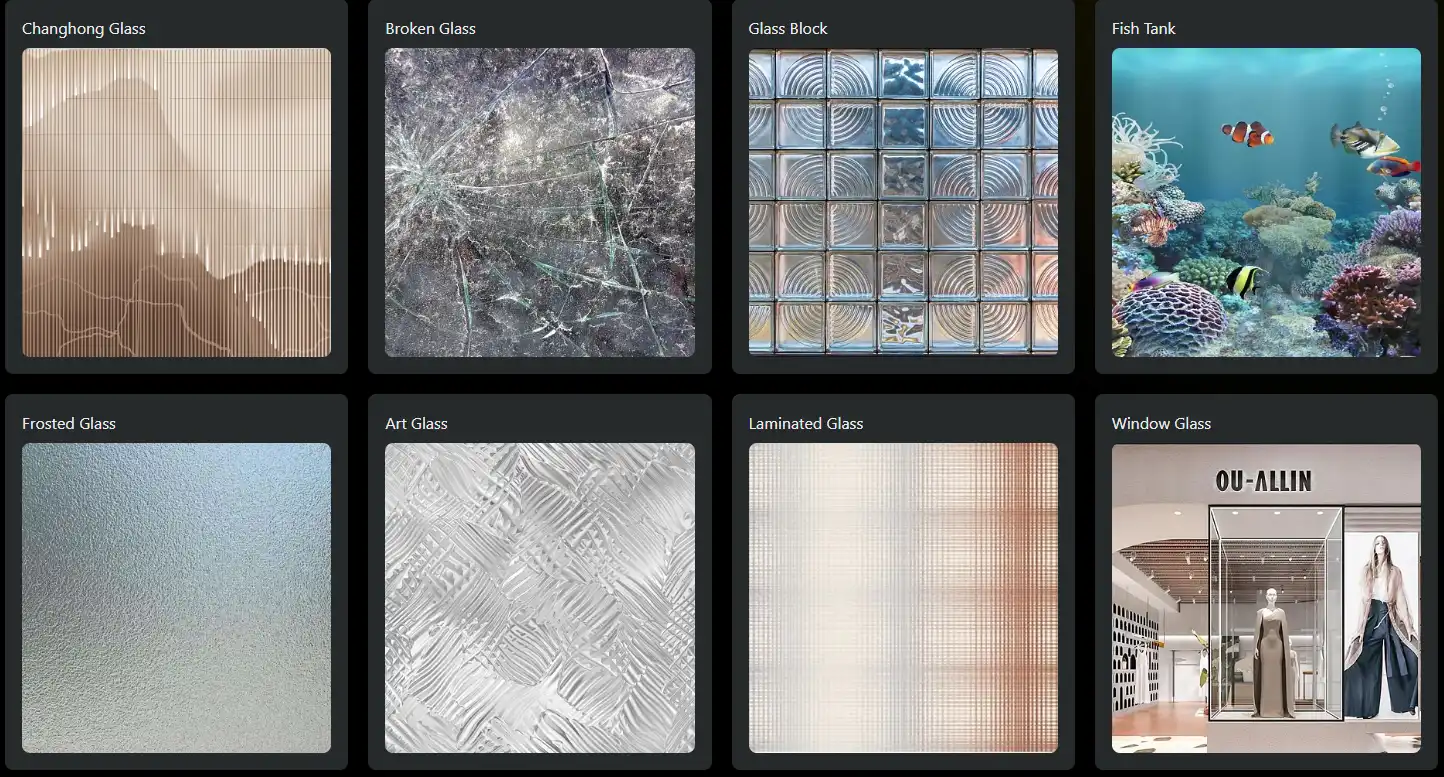
Glass
-
Metalness: 0
-
Roughness: very low
-
High transparency and reflection
PBR Across Industries
Game Development
Used in Unreal and Unity for real-time rendering.
Film & VFX
Ensures consistency across complex lighting setups.
Product Visualization
Used in e-commerce and marketing.
Architecture
Realistic materials for interiors and exteriors.
Web 3D
Optimized PBR for browsers and mobile devices.
Common Mistakes Beginners Make
1. Incorrect Albedo Values
Too bright or too dark colors break realism.
2. Wrong Metalness Usage
Metalness should usually be 0 or 1—not gray.
3. Overusing AO
Too much AO makes materials look dirty.
4. Ignoring Real References
Always compare with real-world materials.
Best Practices for Using PBR Materials
-
Use real-world references
-
Keep values physically accurate
-
Test under multiple lighting conditions
-
Use HDRI environments
How Relebook Helps Global Creators
Relebook (www.relebook.com) is designed for international users who need high-quality digital assets.
Key Advantages
-
Professionally created PBR materials
-
Consistent naming conventions
-
Multiple format support
-
Optimized for engines like Unreal, Unity, Blender
For Overseas Users
-
No need to build materials from scratch
-
Faster production pipelines
-
Reliable quality across projects
Future Trends of PBR
Real-Time Ray Tracing
More accurate reflections and lighting.
AI Material Generation
Tools like Substance AI are speeding up workflows.
Web-Based Rendering
PBR optimized for real-time web applications.
Digital Twins & Metaverse
PBR plays a key role in realistic virtual worlds.
Conclusion
PBR materials have transformed the way we create digital content.
They provide:
-
Realism
-
Consistency
-
Efficiency
Whether you are creating games, films, products, or web experiences, understanding PBR is essential.
With platforms like Relebook, accessing high-quality PBR assets is easier than ever, empowering creators worldwide.
Final Thoughts
If you are new to PBR:
Start with the basics:
-
Learn texture maps
-
Study real materials
-
Practice in your preferred software
Over time, you will gain an intuitive understanding of how materials behave—and that is when PBR becomes truly powerful.