
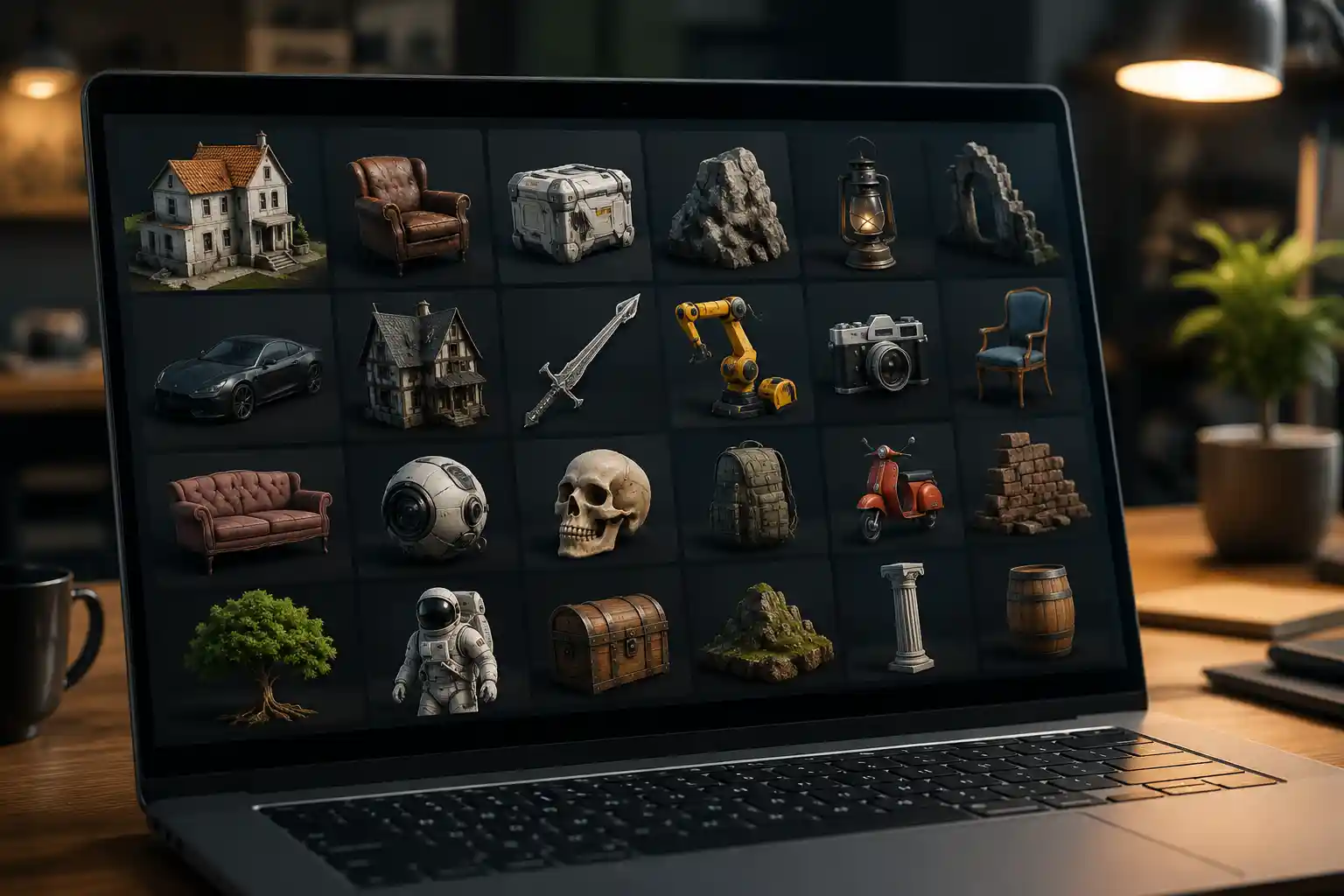
Whether you’re a game developer crafting a sprawling open world, a product designer prototyping a new consumer gadget, an architect visualizing a luxury residential build, or a 3D printing hobbyist bringing a custom figurine to life, high-quality 3D models are the foundation of every successful project. Sourcing the right model can save you dozens of hours of tedious modeling work, help you meet tight deadlines, and elevate the final polish of your creation. But with hundreds of 3D model libraries online, ranging from free community-driven collections to premium professional marketplaces, it can be hard to know which sites deliver consistent quality, clear licensing, and fair pricing. This guide breaks down the best sites for 3D models across every use case and budget, so you can find exactly what you need without wasting time on low-quality or legally risky downloads.
Best Premium 3D Model Marketplaces for Professional Work
For commercial projects where quality, licensing clarity, and customer support are non-negotiable, premium marketplaces offer curated collections of professional-grade 3D models. While you’ll pay per asset or for a subscription, the investment almost always pays off in avoided rework and legal peace of mind.
TurboSquidTurboSquid is widely considered the gold standard for premium 3D models, and for good reason. Launched in 2000, it’s one of the oldest and largest marketplaces, with over 1 million models spanning every category you can imagine: architecture, automotive, characters, electronics, furniture, and more. What sets TurboSquid apart is its rigorous quality check process: every model is reviewed by a team of experts to ensure it meets polygon count standards, has clean topology, and includes correctly mapped textures. Many models also come with multiple LODs (level of detail) optimized for game development and real-time rendering, which is a huge time-saver for professionals.
Licensing on TurboSquid is straightforward: you can choose between a standard license for most commercial projects (allowing up to 10 million impressions or reproductions) and an extended license for unlimited use or mass-produced goods. Prices range from just a few dollars for small, simple assets to over $100 for high-poly, fully rigged character models. TurboSquid also offers a subscription plan called Shutterstock Create (following its acquisition by Shutterstock) that gives you monthly credits for frequent downloaders.
CGTraderCGTrader is another leading premium marketplace that combines a large curated library with a custom modeling service. With over 800,000 3D models from independent designers around the world, it’s particularly strong for hard-surface models like product parts, machinery, and architectural assets, as well as stylized and photorealistic characters for games. One of CGTrader’s biggest benefits is its flexible pricing: many new designers offer high-quality models at lower price points than you’ll find on TurboSquid, making it a great option for small studios and independent creators on a budget.
Unlike many marketplaces, CGTrader also lets you hire designers directly to create custom 3D models if you can’t find what you’re looking for in the library. Licensing is clear, with options for personal and commercial use, and the site offers a royalty program for designers that’s more generous than many competitors. For AR/VR developers, CGTrader also has a dedicated section of optimized models ready for real-time use.
SketchfabWhile Sketchfab is best known for its huge free library, its premium storefront is one of the best kept secrets in the 3D industry. Sketchfab specializes in models optimized for real-time use, making it the go-to for game developers, AR creators, and 3D interactive designers. Every model on the platform can be previewed directly in your browser before you download, so you can check topology, textures, and rigging without committing to a purchase.
Sketchfab’s premium subscription, Sketchfab Pro, includes unlimited downloads of thousands of premium models for a flat monthly fee, which is an incredible deal for creators who need multiple assets per month. The platform also offers native support for most major 3D file formats, including GLB, FBX, and OBJ, and all models come with clear Creative Commons or commercial licensing. For 3D creators looking to sell their own work, Sketchfab also offers competitive royalty rates and built-in exposure to a massive community of buyers.
Best Free 3D Model Sites for Non-Commercial and Hobby Projects
If you’re a hobbyist, student, or working on a non-commercial project with a tight budget, there are dozens of high-quality free 3D model sites that deliver great assets without any cost. The key is to stick to reputable sites with clear licensing, to avoid accidentally using unlicensed models in your work. Below are the most reliable free options:
ThingiverseOwned by 3D printing manufacturer MakerBot, Thingiverse is the largest and most popular free 3D model site specifically for 3D printing. With over 2 million user-uploaded models, it’s the first place you should check for anything you want to print: from functional parts like phone cases and tool organizers to decorative figurines, cosplay props, and custom home goods. All models on Thingiverse are free to download, and most are licensed for personal non-commercial use, with many designers allowing commercial use with attribution.
Thingiverse’s community is its biggest strength: designers regularly update models, fix errors, and share modified versions of existing assets, so you can often find a tested, print-ready model for almost any project. The site also lets you filter by printability, size, and difficulty, making it easy to find models that will work with your 3D printer’s build volume.
Sketchfab (Free Section)As mentioned earlier, Sketchfab has a massive free library of over 3 million 3D models available for download, in addition to its premium collection. The free models are uploaded by creators from around the world, and you can filter by license type to find models that are free for personal use, commercial use, or modification. What makes Sketchfab’s free library stand out is its variety: you’ll find everything from scanned real-world objects to game assets, architectural models, and animated characters, all previews directly in your browser before download.
Many professional studios also release free sample models on Sketchfab to showcase their work, so you can find high-quality professional assets for free if you know where to look. The site also supports automatic file conversion, so you can download a model in exactly the format you need for your project, whether that’s OBJ, STL, GLB, or FBX.
BlenderKitBlenderKit is a free plugin for Blender that gives you direct access to thousands of free 3D models, materials, and brushes without ever leaving the Blender interface. The free tier of BlenderKit includes access to thousands of models for personal non-commercial use, with a paid pro tier unlocking commercial licensing and the full library. For Blender users working on student projects, hobby animations, or personal art, the free tier is an incredible resource.
All models on BlenderKit are curated, so you don’t have to worry about low-quality or broken assets, and they’re optimized to work seamlessly with Blender’s tools. You can search, preview, and drag-and-drop models directly into your scene, which saves a huge amount of time compared to downloading from external sites and importing manually.
The biggest mistake new 3D creators make with free models is not checking the license. Even if a model is free to download, that doesn’t mean you can use it in a commercial product. Always confirm the usage rights before you include an asset in your work.
Best Sites for Specific Use Cases
Depending on what you’re using your 3D models for, niche sites often have better-curated assets than general marketplaces. Below are the best sites for the most common specific use cases:
3D PrintingWhile Thingiverse is the go-to for most 3D printing projects, two other sites offer unique collections for printed models:
- MyMiniFactory: This site has over 100,000 3D printable models, with a strict “guaranteed printable” policy that means every model is tested to work on standard 3D printers. It has a large selection of free models, as well as premium paid designs from professional designers, and a thriving community of cosplayers and prop makers.
- Cults: Based in France, Cults is one of the fastest-growing 3D printing marketplaces, with a mix of free and paid models. It’s particularly strong for artistic and decorative models, jewelry, and modern home decor, and many independent designers sell their work exclusively here.
For functional 3D printed parts, sites like GrabCAD also have a huge library of free engineering models and CAD files that are ready to modify and print.
Game Development and AR/VRGame developers and AR/VR creators need models optimized for real-time performance, with clean topology and multiple LODs. Two sites stand out for this use case:
- Unity Asset Store: If you’re using the Unity game engine, the Unity Asset Store is the most convenient place to source models, with thousands of free and paid assets that are already optimized for Unity. You’ll find everything from environment packs to fully rigged animated characters, and many assets include interactive scripts that are ready to use out of the box.
- Unreal Engine Marketplace: Similarly, the Unreal Engine Marketplace offers curated 3D assets optimized specifically for Unreal Engine, with a large selection of free starter packs and environment assets for indie developers. Many premium environment packs from the Unreal Marketplace are used in AAA games, so the quality is unmatched.
Both marketplaces offer clear commercial licensing for games published on any platform, making them a safe choice for indie and professional developers alike.
Architecture and VisualizationArchitects and interior designers need accurate, high-quality models of furniture, fixtures, and building components to create realistic visualizations. The best sites for this niche are:
- 3D Warehouse: Owned by Trimble, the makers of SketchUp, 3D Warehouse is the largest free library of architectural 3D models. It has millions of user-uploaded models of building components, furniture, appliances, and entire buildings, most of which are free to download for non-commercial use. Many major furniture manufacturers upload official 3D models of their products to 3D Warehouse, so you can get accurate, to-scale models for your visualization.
- ArchDaily 3D: ArchDaily, the leading architecture publication, has a curated 3D model library with high-quality models of building products from major manufacturers. All models are free to download and are available in multiple CAD formats, making them perfect for professional architectural projects.
For mechanical engineers and product designers needing accurate CAD models of parts, components, and fasteners, these sites are the best resources:
- GrabCAD: GrabCAD, owned by Stratasys, has over 4 million free CAD files and 3D models for engineering projects. You’ll find everything from standard fasteners and bearings to complete product assemblies, all uploaded by manufacturers and the engineering community. It’s free to join, and all models are available in native CAD formats like STEP, IGES, and SolidWorks, so you can edit them directly in your design software.
- TraceParts: TraceParts is a free library of 3D CAD models for over 100 million industrial parts from hundreds of manufacturers. If you need an accurate model of a specific bearing, valve, or electronic component for your design, TraceParts is almost guaranteed to have it, available in every major CAD format.
Key Tips for Sourcing 3D Models Online
Even when you’re using a reputable site, there are a few key rules to follow to ensure you get a high-quality model that’s legal to use for your project. These practical tips will save you time, money, and legal headaches down the line.
- Always check the license before downloading: Licensing for 3D models varies wildly from site to site and from model to model. Some common license types include:
- Personal non-commercial: You can use the model for personal projects, hobbies, or education, but not in products you sell.
- Commercial (attribution required): You can use the model in commercial projects, but you have to credit the original creator.
- Royalty-free commercial: You can use the model in commercial projects without attribution, with limits on the number of reproductions.
- Extended commercial: You can use the model in unlimited mass-produced products or for resale as part of a template or asset pack.
Always double-check that the license matches your use case. If you can’t find clear license information for a model, don’t use it in a commercial project.
- Preview the model before you buy: One of the biggest frustrations with buying 3D models online is downloading a model that looks great in promotional screenshots but has messy topology, missing textures, or incorrect scale when you open it in your software. Whenever possible, use sites that let you preview the model directly in your browser (like Sketchfab) or that offer wireframe previews and topology breakdowns. For premium models, look for sites that offer a refund if the model doesn’t match the description, which protects you if the asset is low-quality.
- Check the polygon count and file format: A model that works great for a high-resolution architectural render might be too high-poly for a real-time AR experience, and vice versa. Before downloading, confirm that the polygon count matches your project’s needs, and that the model is available in a file format compatible with your software. Most sites offer multiple formats, but some smaller sites only offer OBJ or STL, which may not work if you need a native CAD file or a rigged FBX for animation.
- Clean up the model before use: Even high-quality purchased models often need a bit of cleanup before they’re ready for your project. This can include removing extra polygons, renaming materials and objects for your workflow, re-mapping unwrapped UVs, or adjusting textures to match your scene’s lighting. Setting aside 15-30 minutes to clean up any downloaded model will save you from frustration later in your workflow.
Another common mistake is overusing free assets without modification. If you’re working on a commercial game or product that needs to stand out, adding small modifications to downloaded models — adjusting textures, changing proportions, or combining elements from multiple assets — will help your final product feel unique, rather than like a generic assembly of pre-made parts.
Conclusion
Whether you’re a professional game developer needing hundreds of optimized real-time assets, a 3D printing hobbyist looking for a free print-ready figurine, or an architect needing accurate manufacturer models for your next visualization, there’s a 3D model site that fits your needs and budget. Premium marketplaces like TurboSquid and CGTrader deliver curated, high-quality assets with clear licensing for commercial work, while free sites like Thingiverse, Sketchfab, and GrabCAD offer incredible value for non-commercial projects and hobbyists. Niche sites like the Unity Asset Store, 3D Warehouse, and GrabCAD cater to specific use cases, with curated collections that save you time sorting through irrelevant assets.
The most important things to remember when sourcing 3D models are to always confirm your license rights, check the model quality and compatibility before committing to a purchase, and set aside time for minor cleanup after downloading. By sticking to the reputable sites listed in this guide and following these simple rules, you can save dozens of hours of modeling work and create high-quality projects without the stress of sorting through low-quality or legally risky assets.